
もう誰もコーディングしていない。代わりにやっていること。
    ReadListen

    Claude Codeはコーディングツールではありません。初の本物のAI共同ビルダーです。一行のコードも知らなくて使えます。

    8分で読める

    Claude Codeの話をするたびに、誰かが「ああ、私にはテクニカルすぎる」と言います。そのたびに、肩を掴んで「文字通りテキストするだけですよ」と言いたい衝動を抑えなければなりません。

    Claude CodeはAI界で最悪のブランディング問題を抱えています。「コード」という言葉が、最も恩恵を受ける人々をまさに怖がらせています。

    実際に何なのか

    Claude Codeは、ブラウザでチャットするのと同じClaude(ただしコンピュータ上のファイルを見たり編集したりできるバージョン)です。違いはそれだけです。

    ターミナルに入力します。でも実際のコードを打つ代わりに…ただ話しかけます。日本語で。「このフォルダのファイルを全部リネームして。」「この文書をもっと短く書き直して。」「デスクトップの全PDFを日付順に整理して。」

    Claude Codeがオタクな部分をやります。あなたは考える部分をやります。

    "未来のスキルはコーディングではありません。自分が何を望んでいるか知り、それを伝えられることです。"

    なぜ欲しくなるか
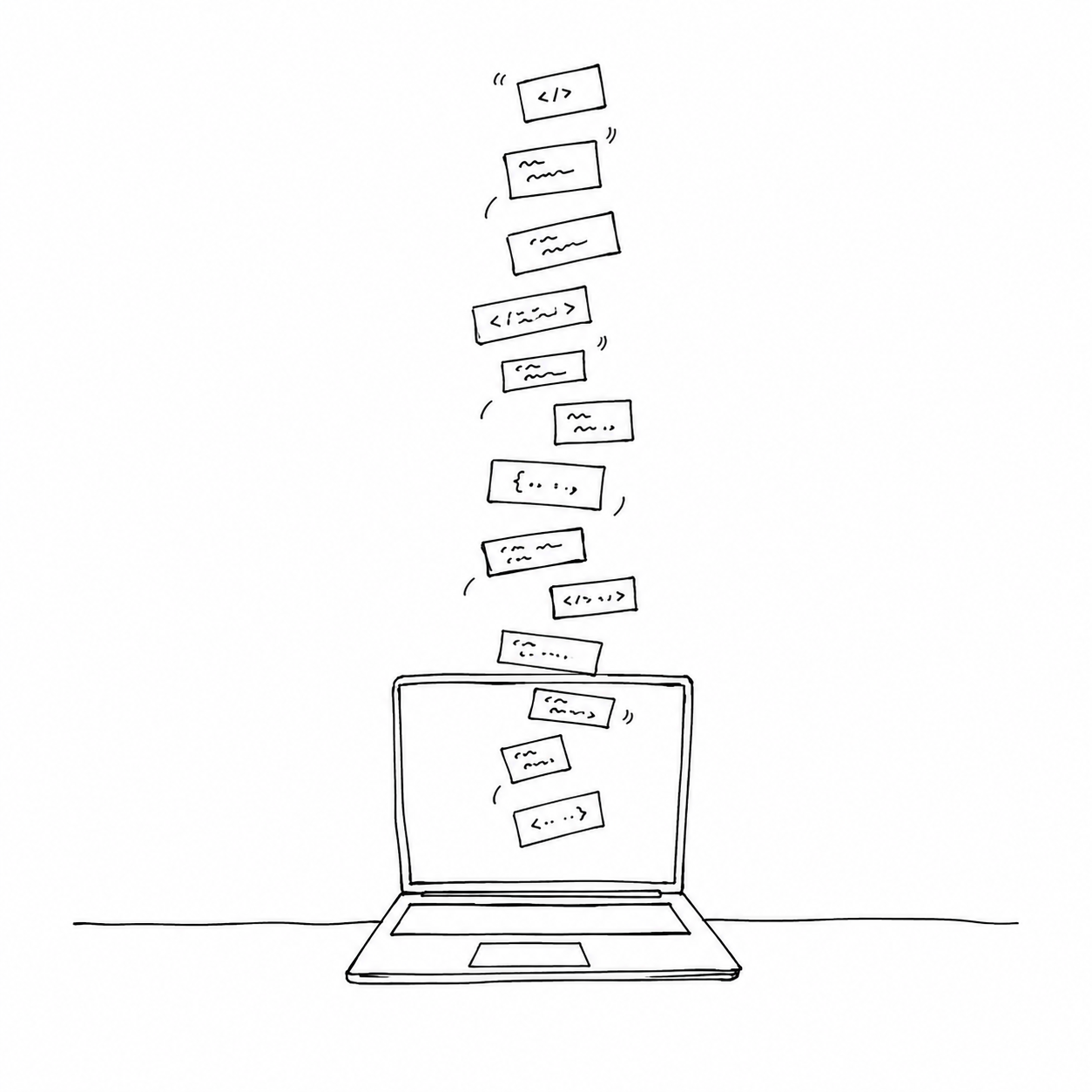
    Ideas in scratchy line work flowing out of a laptop screen into the air
    The terminal looks scary. It's not. I promise.

    普通のClaudeはファイルに触れません。すべてをコピペで出し入れします。ちょっとした質問なら大丈夫。本格的な作業には面倒です。

    Claude Codeはファイルを読み、編集し、新しいファイルを作り、移動します:すべてあなたが見守って各ステップを承認しながら。パソコンの前にいるアシスタントに指示を出しているようなものです。

    非技術者は、散らかったフォルダの整理、文書の一括編集、シンプルなウェブサイトの構築、データのクリーンアップ、時間を食う退屈な作業の自動化に使っています。すべて普通の言葉で説明するだけで。

    フィロソフィー

    数か月使ってわかったのは、障壁は技術スキルではなかったということです。思考の明確さでした。

    Claude Codeに話しかける時、自分が実際に何を望んでいるかを知っている必要があります。当たり前に聞こえます。そうでもありません。ほとんどの人はツールと格闘するのに慣れすぎて、「実際に何をしようとしているのか?」と立ち止まって考えません。

    Claude Codeはその明確さを強制します。結果を描写します。やり方はClaudeが処理します。そのやりとりの中で、「やり方」は難しい部分ではなかったと気づきます。「何を」が難しかったんです。

    セーフティネット

    Claude Codeは重要なことをする前に許可を求めます。何をしたいか教えてくれて、あなたがイエスかノーと言います。聞かずにファイルを削除したり小説を書き直したりはしません。

    A relaxed person at a laptop, hands lightly on the keys, no tension in the body
    You type English. It does the rest.

    常にあなたがコントロールしています。あなたがボスです。Claude Codeは何をする前にも確認してくるインターンです。

    "コードを知る必要はありません。何を望んでいるか知っていればいい。Claude Codeが「これが欲しい」と「完了」の間のすべてを処理します。"

    始めましょう

    プロのデベロッパーを置き換えますか?いいえ。次のFacebookを作れますか?それもいいえ。

    でも、ファイルの整理、シンプルなウェブサイトの構築、データのクリーンアップ、時間を食う退屈なパソコン作業を処理できますか?間違いなく。一行のコードも書かずに。

    セットアップは約20分です。インストールから最初のコマンド、実際のワークフローまで、全部ガイドするガイドを作りました。一人で解決する必要はありません。

    フルセットアップガイドは /product/claude-setup でどうぞ:ゼロから最初のClaude Codeセッションまで20分。一回払い。

    BrainHelpful?

    Frequently asked

    Do I need to know how to code to use Claude Code?

    No. You talk to it in plain English. You describe what you want done and it handles the technical steps. The word "code" in the name is about what it can build, not what you have to write.

    What can a non-technical person actually use Claude Code for?

    Organizing messy folders, bulk-editing documents, cleaning up spreadsheets, building and deploying a simple website, and automating repetitive computer chores. Anything where the hard part was knowing the right commands rather than knowing what you wanted.

    Is Claude Code safe? Can it delete my files?

    In its default setting it asks permission before editing files or running commands, so you approve each real change before it happens. It will not delete or overwrite things without checking with you first. Looser hands-off settings exist, but the default keeps you in control.

    How is Claude Code different from regular Claude in the browser?

    Browser Claude works on the files you paste or upload, one conversation at a time, and can now create documents and spreadsheets for you. Claude Code works across the files already on your computer, can change many of them at once, and can run the small commands that make a multi-step task actually finish.

    How long does it take to set up Claude Code?

    About twenty minutes from nothing to your first working session. The Lazy Viber setup guide covers install, your first commands, and real workflows so you are not figuring it out alone.

    Related product

    Lazy Claude Setup

    Set up Claude for YOUR business.

    The Lazy Dispatch

    Weekly hacks for escaping the subscription economy, and our pulse on the advancements in artificial intelligence.