
Perplexity + Claude:リサーチアシスタントを置き換えた2ツールワークフロー

    見つけるツールと作るツール。一緒なら最強です。

    8分で読める

    以前は仕事の半分をリサーチに費やし、残りの半分はリサーチに時間をかけすぎたことを後悔していました。競合分析、マーケットデータ、クライアントブリーフ用の統計情報の収集。毎週何時間も食われていました。

    それからリサーチ時間を約70%カットする2ツール構成を見つけました。リサーチにPerplexity。統合にClaude。アイデアは全部これです。

    なぜ2ツール

    Claudeはライティング、分析、情報の構造化に優れています。でもリアルタイムでインターネットを閲覧しません。最新の競合価格を聞くと、賭けになります。

    Perplexityはソースと引用付きで最新情報を見つけるのに優れています。でも生のリサーチを洗練されたクライアントブリーフにまとめてと頼むと、Wikipedia記事のような読み物が返ってきます。

    2つ合わせると、お互いの弱点を完璧にカバーします。

    "Perplexityがファクトを見つけます。Claudeがそれを使えるものにします。1つのツールに両方の仕事をさせるのはやめましょう。"

    実際にどう見えるか

    先月、クライアントからSaaS製品の競合分析ブリーフを依頼されました。5社の競合。価格、機能、ギャップ。フル装備で。

    Research workflow at desk
    Let Perplexity dig. Let Claude build.

    昔の私なら5〜6時間かけてタブを開き、料金ページをコピーし、スプレッドシートを作り、それからブリーフを書いていたでしょう。

    新しい私?Perplexityが約20分でリサーチを処理しました。生データをClaudeに渡すと、比較表、ギャップ分析、実際のレコメンデーション付きの、きれいなクライアント向けブリーフを出してくれました。一般論の「ブランドを差別化しましょう」みたいなやつではなく。

    合計時間:50分。以前は半日かかっていた成果物に。

    "5時間の代わりに50分。同じ品質。より良い構造。実際の引用付き。"

    何にでも使える

    競合分析はほんの一例です。ブログリサーチ、市場規模算定、クライアントオンボーディングブリーフ、コンテンツのファクトチェック。最新データを洗練された出力に変換する必要がある場面すべてに同じパターンを使っています。

    パターンは常に同じです:1つのツールが真実を見つけ、もう1つのツールがそれを使えるものにする。一度見たら、もう見逃せません。

    フルパイプラインを入手

    正確なテンプレート、プロンプト、ワークフローをガイドにまとめました。Lazy Research Pipelineは両方のツール用のフルシステムを提供します:競合分析、市場規模算定、クライアントブリーフ、コンテンツリサーチ。私が使っているすべてが、コピペ対応で。

    この記事を読んで「使えそう」と思ったなら、製品には実際にやるために必要なすべてが入っています。一回払い。サブスクなし。

    Lazy Research Pipeline は /product/research-pipeline で入手できます:正確なプロンプト、テンプレート、ワークフロー。一回買えば一生使えます。
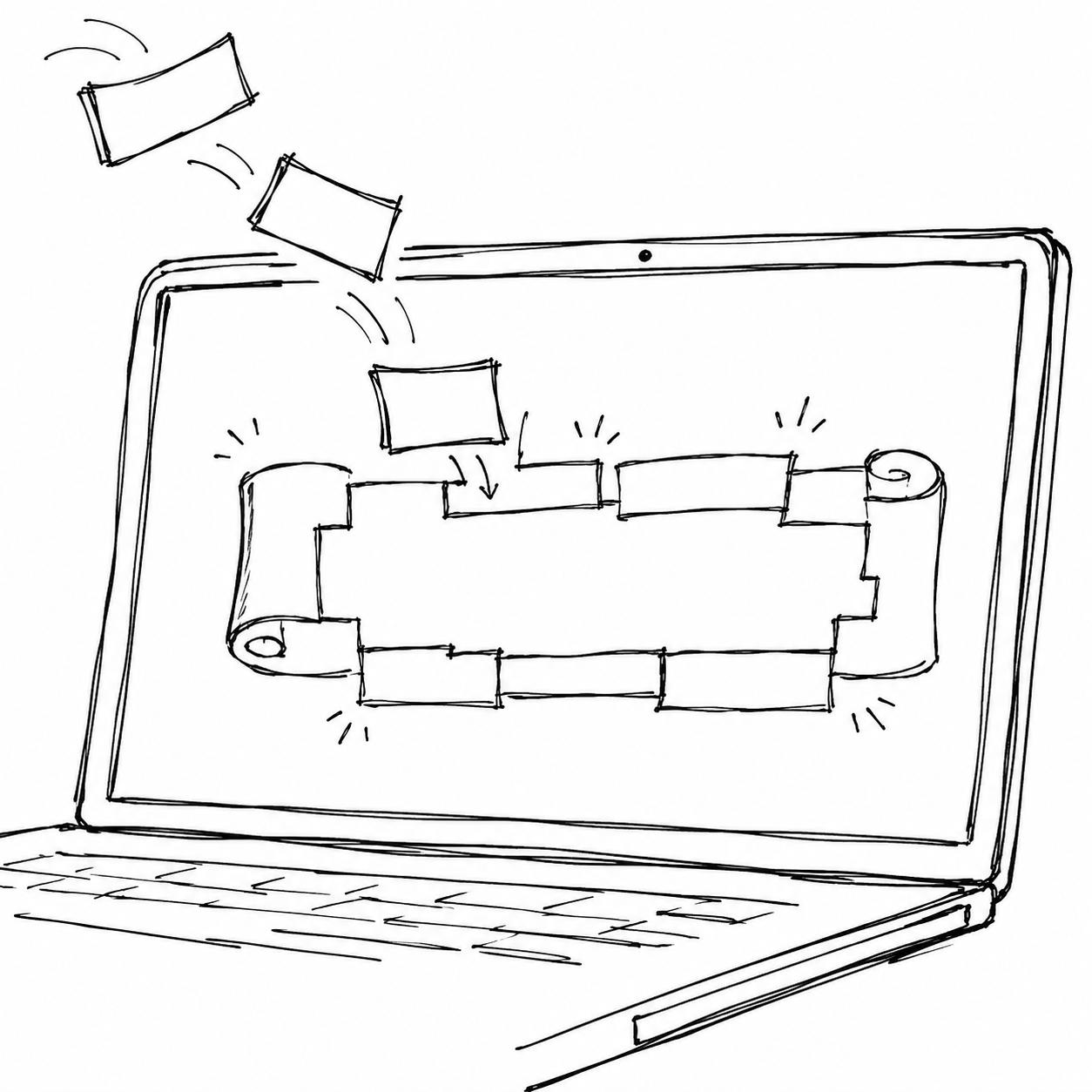
    Close-up of the laptop screen, fact-fragment rectangles assembling into a single clean scroll-rectangle, mid-arrangement
    The result: better research in a fraction of the time.
    BrainHelpful?

    Frequently asked

    Do you still need Perplexity now that Claude can search the web?

    For most research, no. Claude searches, cites, and builds the output in one window, so a single tool handles a few-source question end to end. The case for still using Perplexity is the heavy day: many sources, fast-moving, citation-heavy, where Perplexity gathers wide and fast and you hand the pile to Claude to shape.

    Can Claude search the web and cite sources?

    Yes. Claude searches the web and returns inline citations on every plan, including the free tier. That is exactly why a one-tool research workflow is now realistic for most everyday questions, where it used to take two.

    When is two tools actually worth it?

    When the finding is the hard part. If you need twenty sources gathered and cited fast, Perplexity is still the quickest front-end, and Claude is still the best at turning that pile into a finished brief. For a two or three source question, one tool is plenty.

    Do I have to pay for either tool?

    No. Both Claude and Perplexity search on their free tiers, which carry light to moderate research fine. Claude Pro and Perplexity Pro are each about twenty dollars a month if you hit the limits, but you can run this on free tabs and never pay monthly.

    How much time does this actually save?

    For me, a five-competitor brief dropped from roughly five hours to under one. The saving does not come from owning two tools. It comes from matching the tool to the job: one window for small research, a finder plus a builder for the heavy stuff, so neither half gets done badly.

    Related product

    Lazy Research Pipeline

    Stop tab-switching. Get a sourced, formatted research artifact.

    The Lazy Dispatch

    Weekly hacks for escaping the subscription economy, and our pulse on the advancements in artificial intelligence.
