
이제 아무도 직접 코딩 안 해요. 대신 하는 일이 이거예요.
    ReadListen

    Claude Code는 코딩 도구가 아니에요. 진짜 AI 공동 빌더예요. 코드 한 줄도 몰라도 돼요.

    8분 읽기

    Claude Code를 언급할 때마다 누군가가 '아, 나는 그거 쓸 만큼 기술적이지 않아'라고 해요. 그때마다 어깨를 잡고 '그냥 문자 보내는 거야'라고 말하고 싶은 충동을 참아야 해요.

    Claude Code는 AI에서 가장 안 좋은 브랜딩 문제를 가지고 있어요. 'code'라는 단어가 가장 혜택을 볼 사람들을 정확히 겁먹게 해요.

    실제로 뭔가요

    Claude Code는 Claude예요 (브라우저에서 채팅하는 바로 그 AI). 다만 컴퓨터의 파일을 보고 편집할 수 있어요. 그게 전부예요.

    터미널에 타이핑해요. 하지만 실제 코드를 치는 게 아니라 그냥... 말해요. 한국어로. '이 폴더의 모든 파일 이름 바꿔 줘.' '이 문서 더 짧게 다시 써 줘.' '바탕화면의 모든 PDF를 찾아서 날짜별로 정리해 줘.'

    Claude Code가 기술적인 부분을 해요. 여러분은 생각하는 부분을 해요.

    "미래의 스킬은 코딩이 아니에요. 원하는 걸 알고 그걸 전달하는 거예요."

    왜 필요한가요
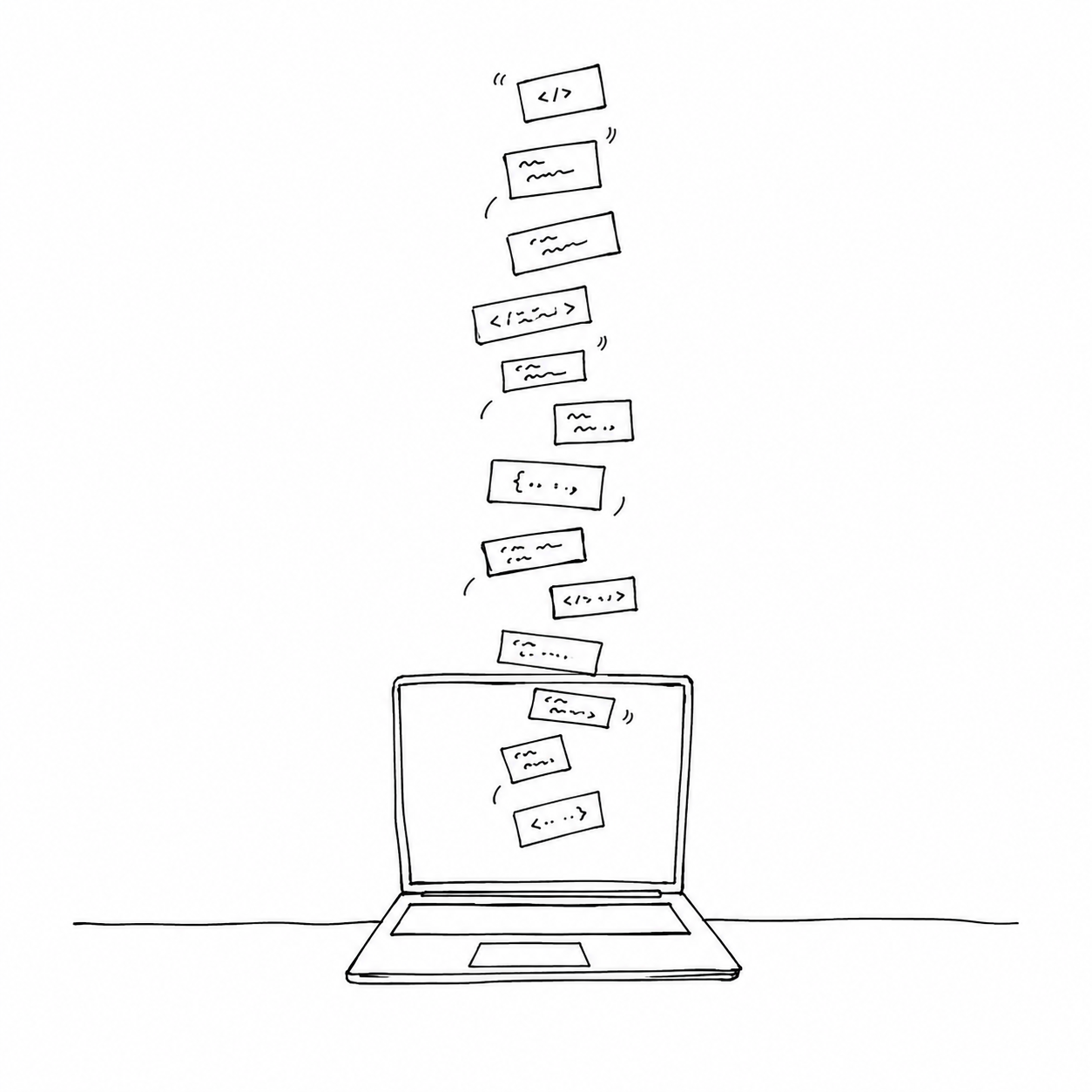
    Ideas in scratchy line work flowing out of a laptop screen into the air
    The terminal looks scary. It's not. I promise.

    일반 Claude는 파일을 못 만져요. 모든 걸 복사-붙여넣기로 오가요. 빠른 질문엔 괜찮아요. 실제 작업엔 귀찮아요.

    Claude Code는 파일을 읽고, 편집하고, 새로 만들고, 이동시키면서 여러분이 각 단계를 보고 승인해요. 컴퓨터 앞에 조수가 있고 뭘 하라고 말하는 것과 같아요.

    비개발자들은 어지러운 폴더 정리, 문서 일괄 편집, 간단한 웹사이트 만들기, 데이터 정리, 시간 잡아먹는 지루한 작업 자동화에 써요. 모두 일상 언어로 원하는 걸 설명하면 돼요.

    철학

    몇 달 동안 쓰면서 깨달은 게 있어요: 장벽은 기술력이 아니었어요. 생각의 명확함이었어요.

    Claude Code에 말할 때 실제로 뭘 원하는지 알아야 해요. 당연해 보이죠. 아니에요. 대부분의 사람은 도구와 씨름하는 데 익숙해서 실제로 뭘 하려는 건지 물어보지 않아요.

    Claude Code가 그 명확함을 강제해요. 결과를 설명하면 방법은 AI가 처리해요. 그 과정에서 어려운 건 "어떻게"가 아니라 "무엇"이었다는 걸 깨닫게 돼요.

    안전 장치

    Claude Code는 중요한 작업 전에 허가를 구해요. 뭘 하려는지 알려주고 예 또는 아니요를 말해요. 묻지도 않고 파일을 삭제하거나 소설을 다시 쓰지 않아요.

    A relaxed person at a laptop, hands lightly on the keys, no tension in the body
    You type English. It does the rest.

    항상 여러분이 통제해요. 여러분이 상사예요. Claude Code는 뭐든 하기 전에 확인받는 인턴이에요.

    "코드를 알 필요 없어요. 뭘 원하는지 알면 돼요. Claude Code가 '이걸 원해요'와 '됐어요' 사이의 모든 걸 처리해요."

    시작하기

    프로 개발자를 대체하나요? 아니요. 다음 Facebook을 만들 수 있나요? 역시 아니요.

    하지만 파일 정리하고, 간단한 웹사이트 만들고, 데이터 정리하고, 시간 잡아먹는 지루한 컴퓨터 작업을 처리할 수 있나요? 당연하죠. 코드 한 줄 안 쓰고.

    설정에 20분 정도 걸려요. 처음부터 끝까지 (설치, 첫 명령어, 실제 워크플로) 안내하는 가이드를 만들었으니 혼자 알아낼 필요 없어요.

    /product/claude-setup에서 전체 설정 가이드를 받으세요. 20분이면 제로에서 첫 Claude Code 세션까지. 일회성 구매.

    BrainHelpful?

    Frequently asked

    Do I need to know how to code to use Claude Code?

    No. You talk to it in plain English. You describe what you want done and it handles the technical steps. The word "code" in the name is about what it can build, not what you have to write.

    What can a non-technical person actually use Claude Code for?

    Organizing messy folders, bulk-editing documents, cleaning up spreadsheets, building and deploying a simple website, and automating repetitive computer chores. Anything where the hard part was knowing the right commands rather than knowing what you wanted.

    Is Claude Code safe? Can it delete my files?

    In its default setting it asks permission before editing files or running commands, so you approve each real change before it happens. It will not delete or overwrite things without checking with you first. Looser hands-off settings exist, but the default keeps you in control.

    How is Claude Code different from regular Claude in the browser?

    Browser Claude works on the files you paste or upload, one conversation at a time, and can now create documents and spreadsheets for you. Claude Code works across the files already on your computer, can change many of them at once, and can run the small commands that make a multi-step task actually finish.

    How long does it take to set up Claude Code?

    About twenty minutes from nothing to your first working session. The Lazy Viber setup guide covers install, your first commands, and real workflows so you are not figuring it out alone.

    Related product

    Lazy Claude Setup

    Set up Claude for YOUR business.

    The Lazy Dispatch

    Weekly hacks for escaping the subscription economy, and our pulse on the advancements in artificial intelligence.