A free agent that does things on your computer, not just answers. It runs a local model by itself, or the Claude, ChatGPT, or Gemini plan you already pay for.
What you need
- • A Mac, Windows PC, or Linux machine
- • 16GB of memory to run a local model comfortably. Less works with a smaller model, or with a paid plan doing the thinking.
Watch the walkthrough, then read the steps below.
Install Goose.
Download the desktop app from the Goose docs site and open it. It is free and open source, started at Block and now under the Linux Foundation. No account, no card.
Mac, Windows, or Linux. There is a command-line version too. You do not need it.
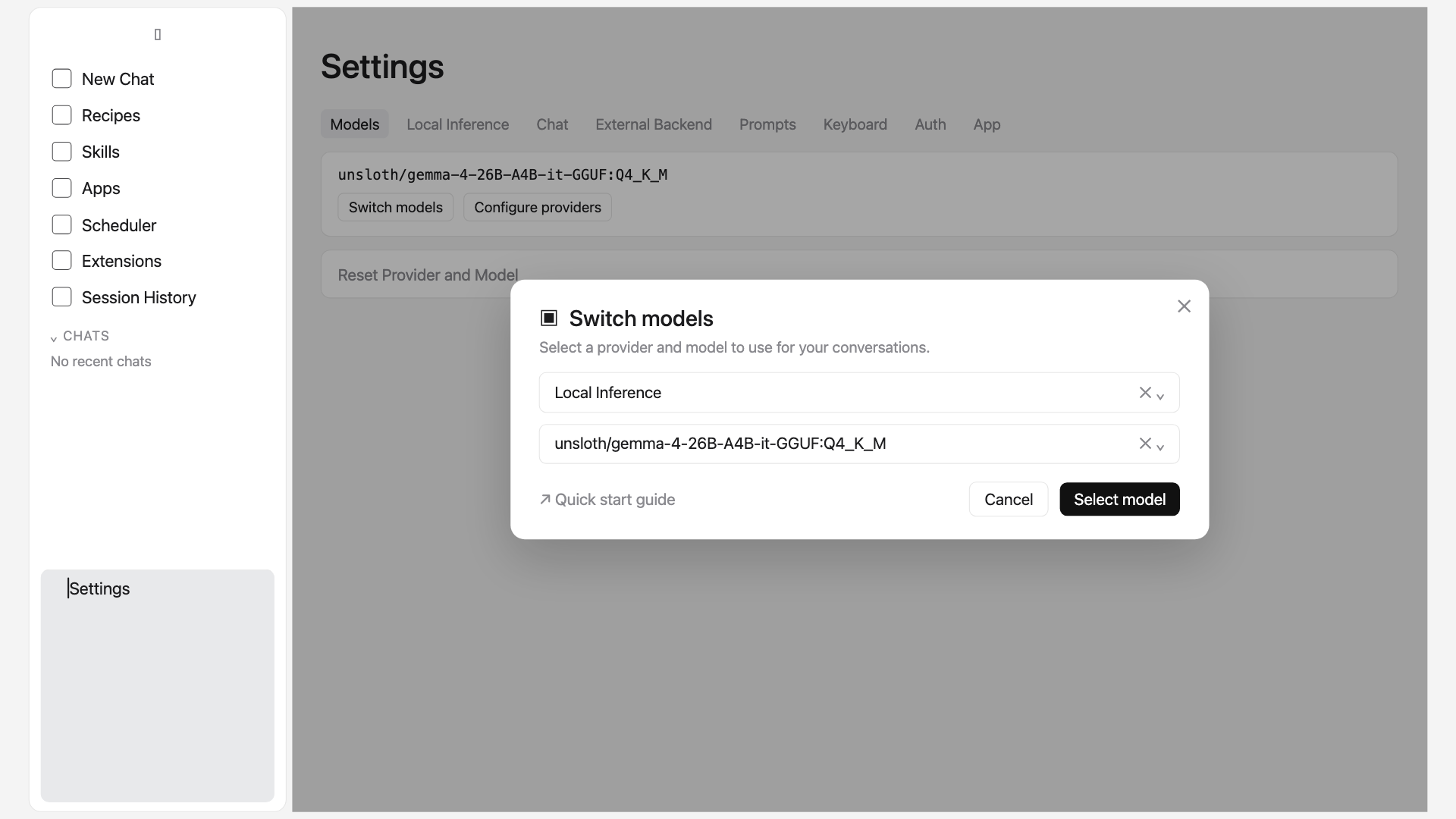
Pick A Model.
Settings, then Models, then Switch models. Choose Local Inference as the provider and a model from the list; it downloads once and lives on your disk. Or pick the Claude, ChatGPT, or Gemini plan you already pay for.
Local is free and private. A paid plan is smarter. You can switch any time.
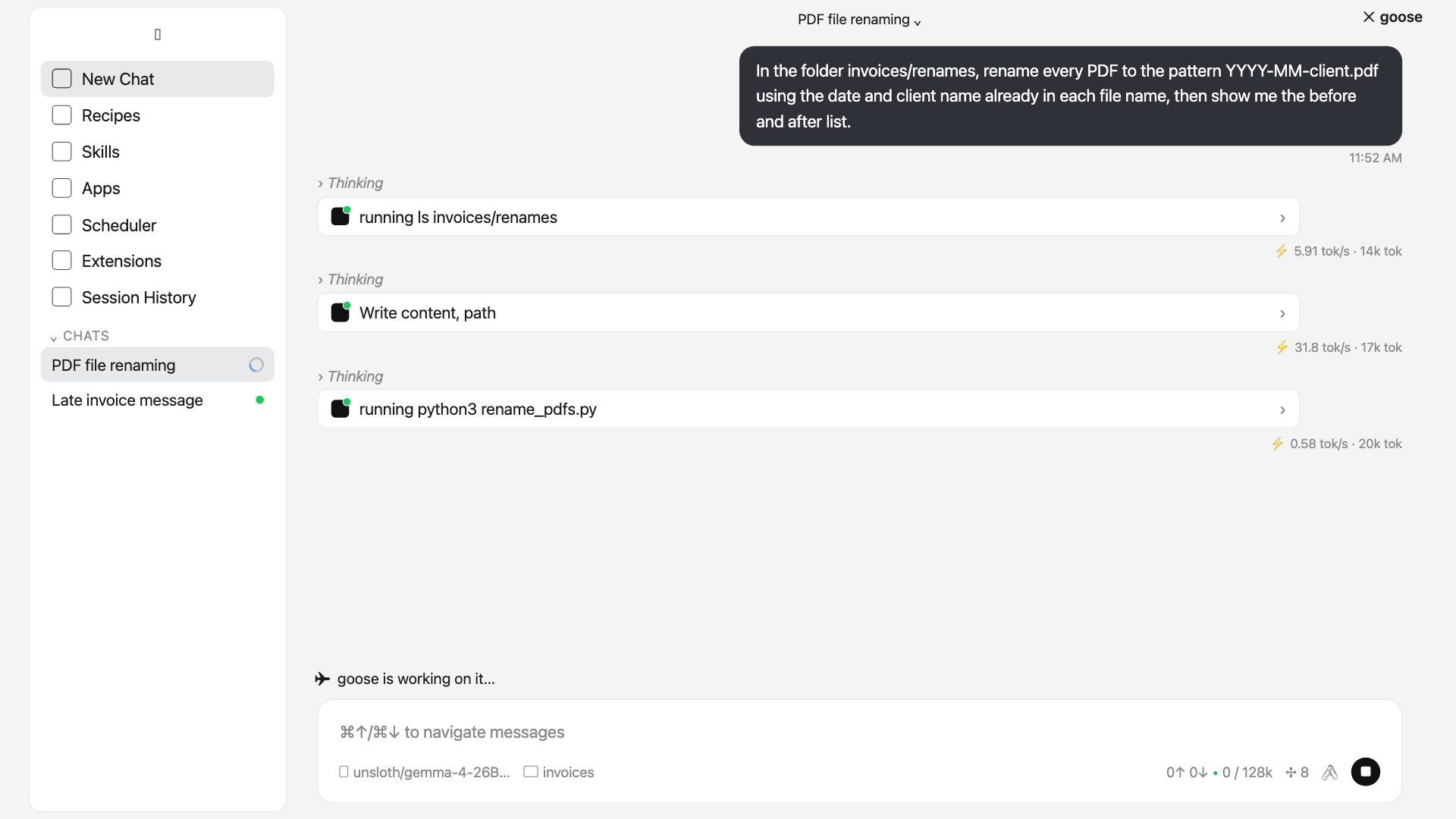
Hand It A Task.
New Chat, then say what you want done in a sentence. Goose shows each action as a card while it works, then the result. You are talking to something that acts, not something that answers.
Give It Skills And Extensions.
Skills are instructions it follows every time. Extensions are the tools it can reach. Both live in the sidebar, and both are where a Lazy Agent pack goes.
Frequently Asked Questions
Agent running? Now make it useful.
The Lazy Agent packs are instructions an agent runs. Drop one in and it has a job.