Trigger, steps, action, with an AI node in the middle. The open-source Zapier you run yourself, for free.
What you need
- • Node.js on your computer, or Docker. Either one.
- • A browser. n8n runs in it.
Watch the walkthrough, then read the steps below.
Start n8n.
Open a terminal and run npx n8n. It downloads once, starts, and opens in your browser at localhost. No account, no card.
Already use Docker? The one-line docker run from the n8n docs does the same thing.
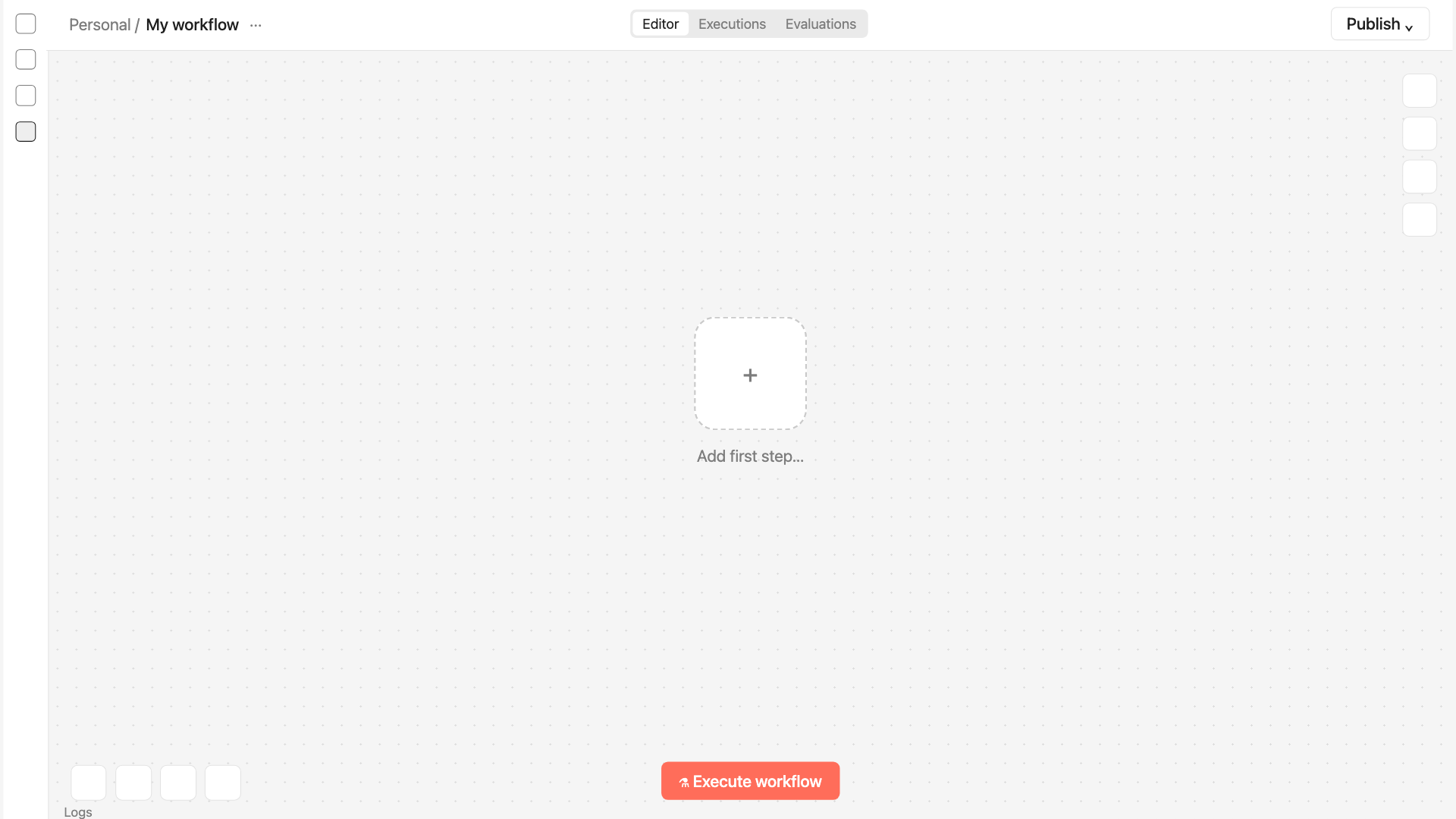
Build Your First Workflow.
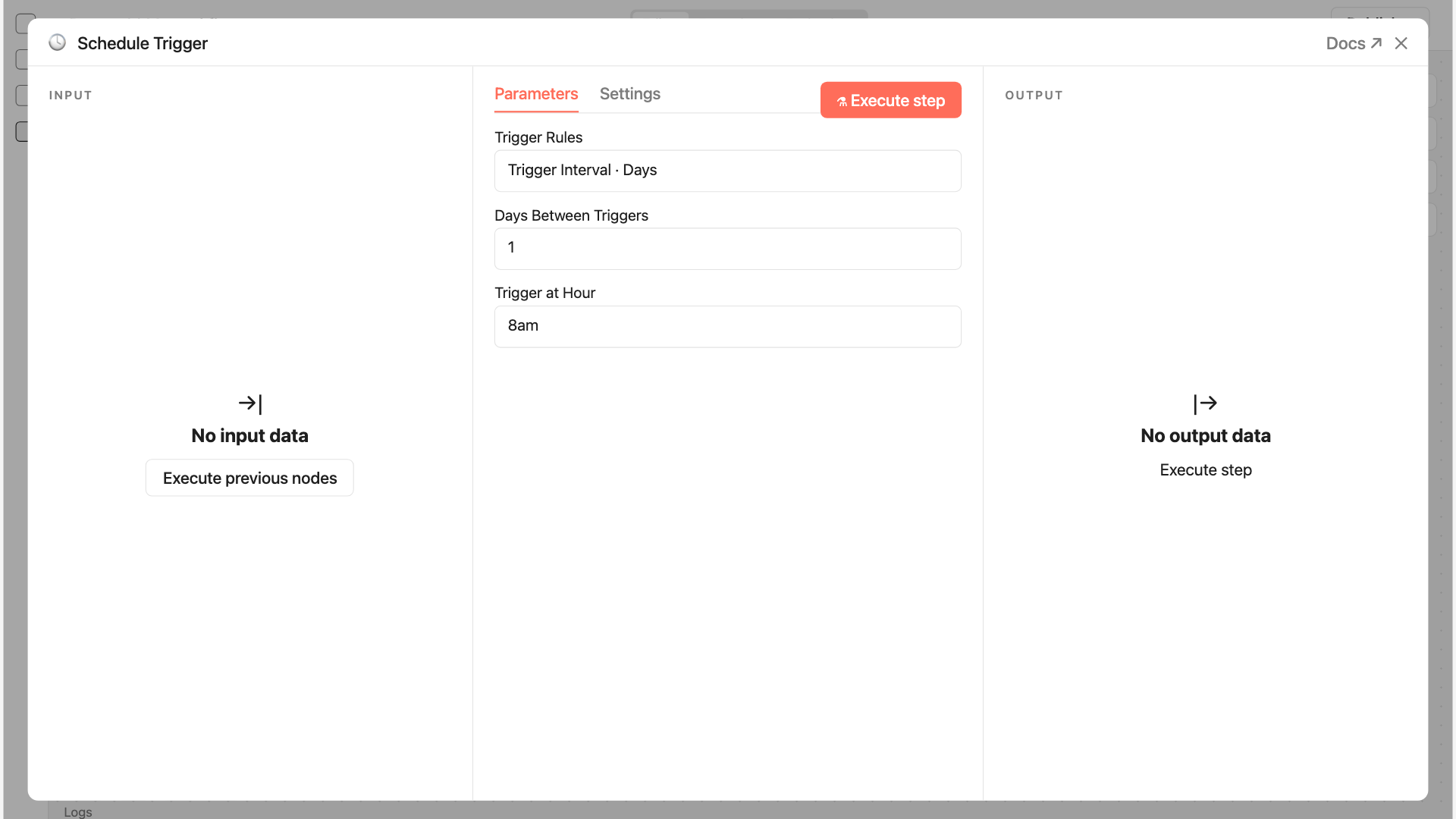
A workflow is a trigger and some nodes. Click Add first step, pick a trigger, then add what should happen after it. Each node is one job.
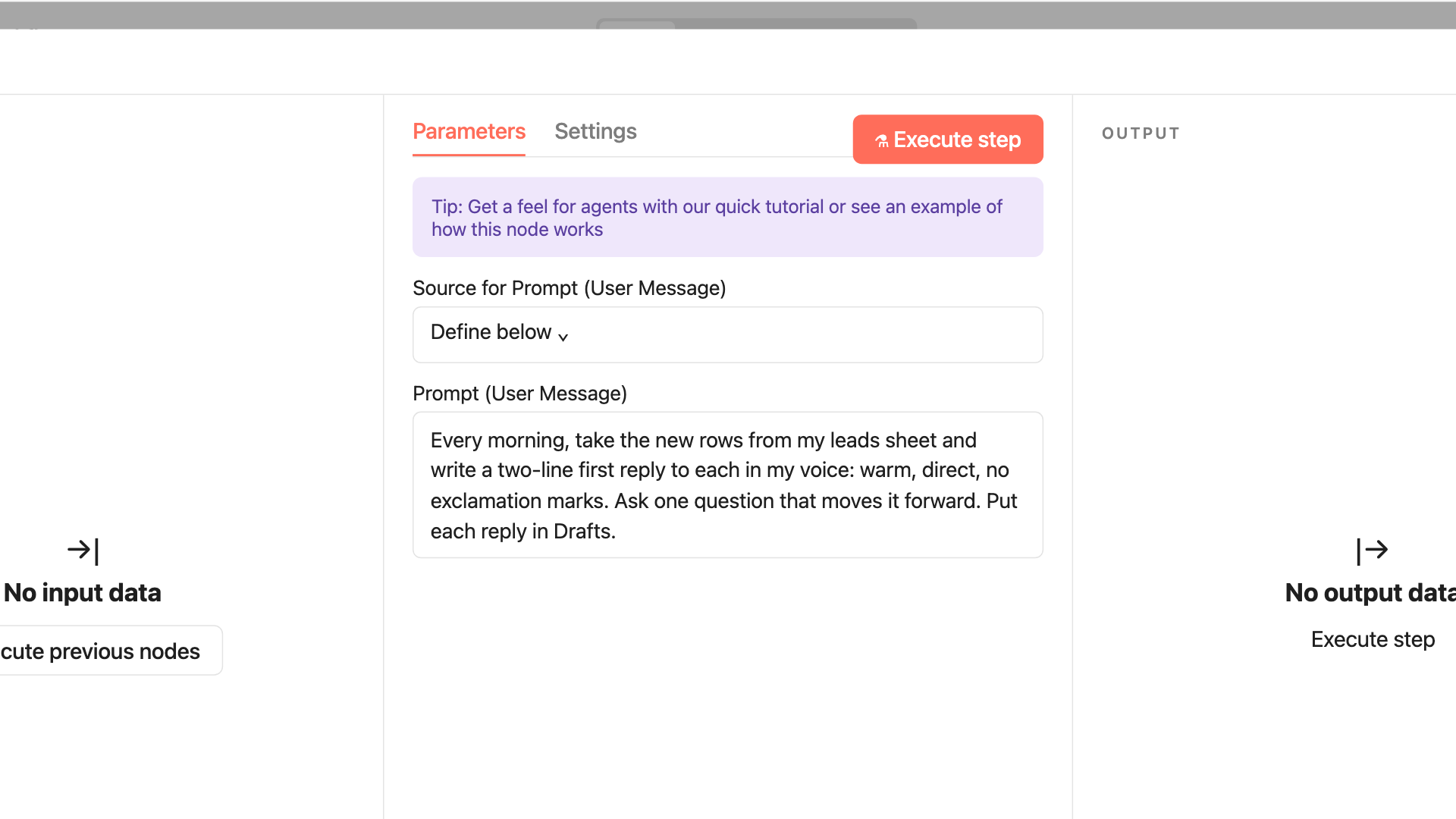
Add The AI Agent Node.
Search the node panel for AI Agent. Give it instructions in plain language and attach a model: Ollama for free and local, or an API key you already have.
The instructions are the same words you would paste into a chat. Short and specific.
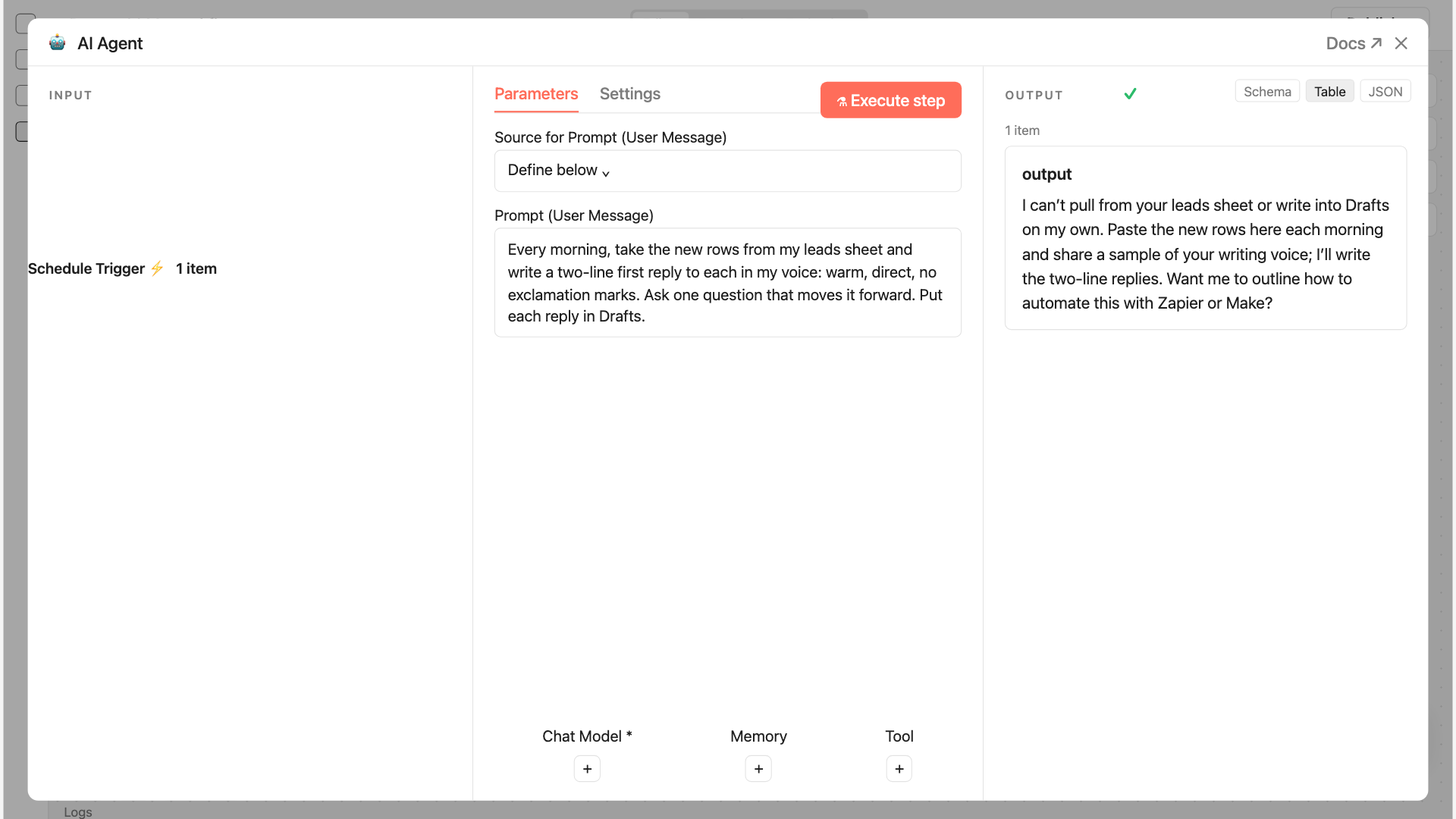
Test, Then Switch It On.
Execute workflow shows the result of every node. When the ticks are green, press Publish. It runs on the trigger from now on, with or without you.
Frequently Asked Questions
Workflow running? Now make it earn its keep.
The Lazy Agent packs come with the flows and the instructions already written. Drop them in and go.