Perplexity is an AI search engine that actually cites its sources. Here's how to set it up before using our research-based guides.
What you need
- • A Perplexity account (free works for casual use, Pro for serious research)
- • A browser. That's it.
Watch the walkthrough, then read the steps below.
Open Perplexity and ask
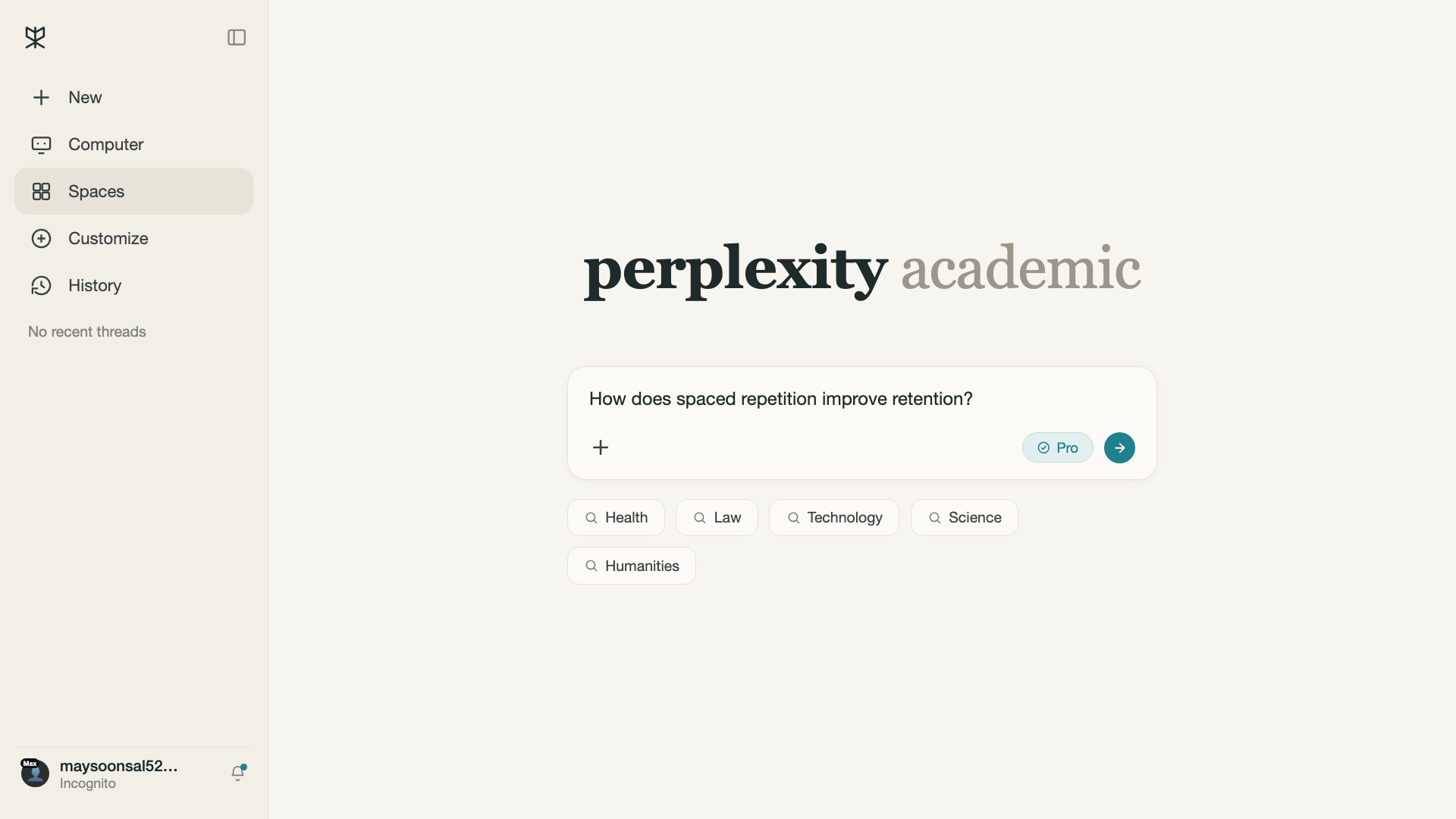
Go to perplexity.ai and type your question into the search box. The mode picker next to it has four real options: Search (the default), Deep Research, Model Council, and Learn Step by Step.
Switch to Deep Research when the question is genuinely worth several minutes of digging instead of a fast answer.
Pick the model
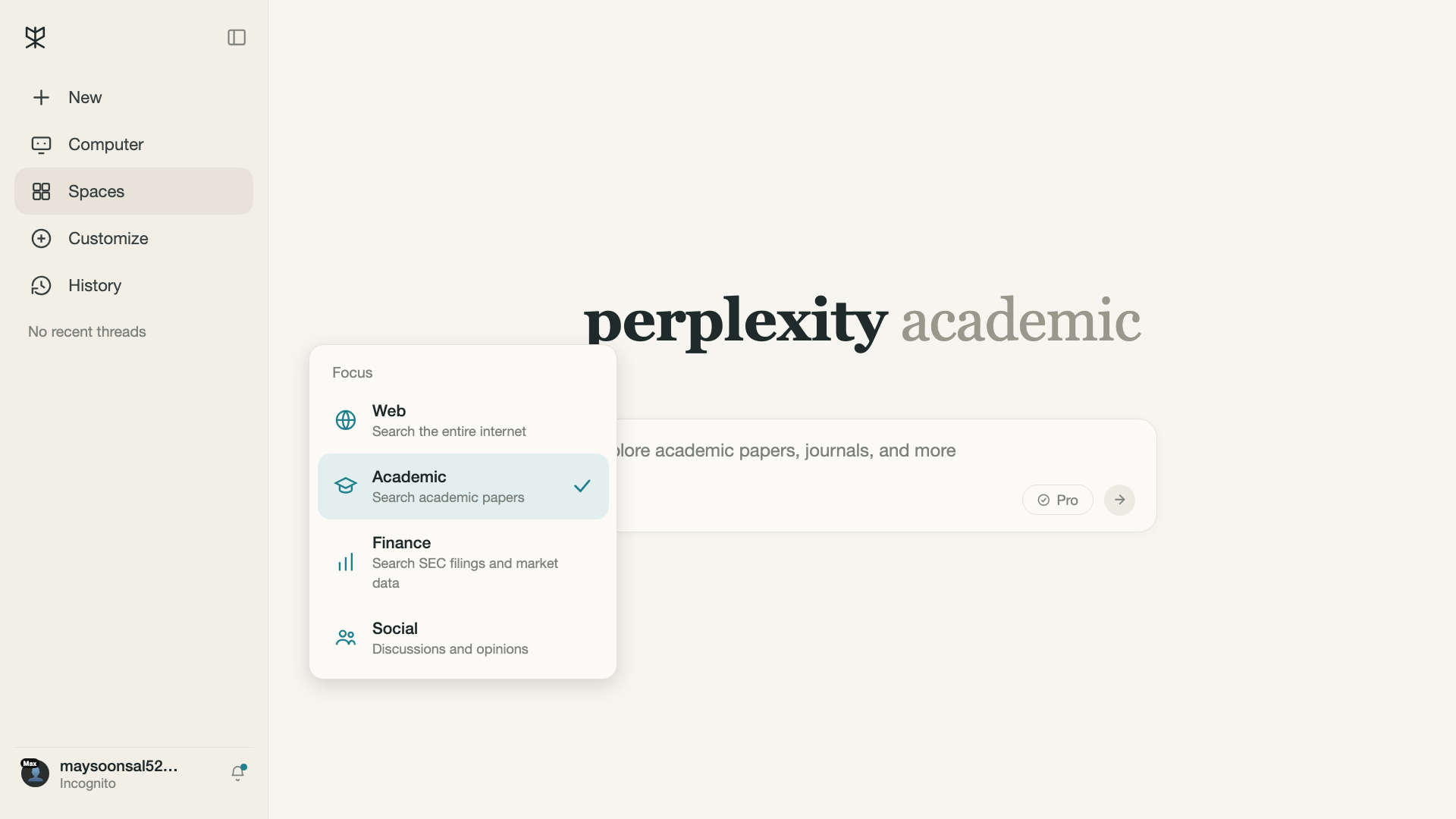
A separate Model picker lets you choose which AI actually answers: Perplexity's own Sonar, or GPT, Claude, Gemini, Grok, and others. Search grounding and citations work the same no matter which one you pick.
"Best" auto-picks for you and is a fine default. Switch manually when you want a specific model's known strength.
Read the answer and its sources
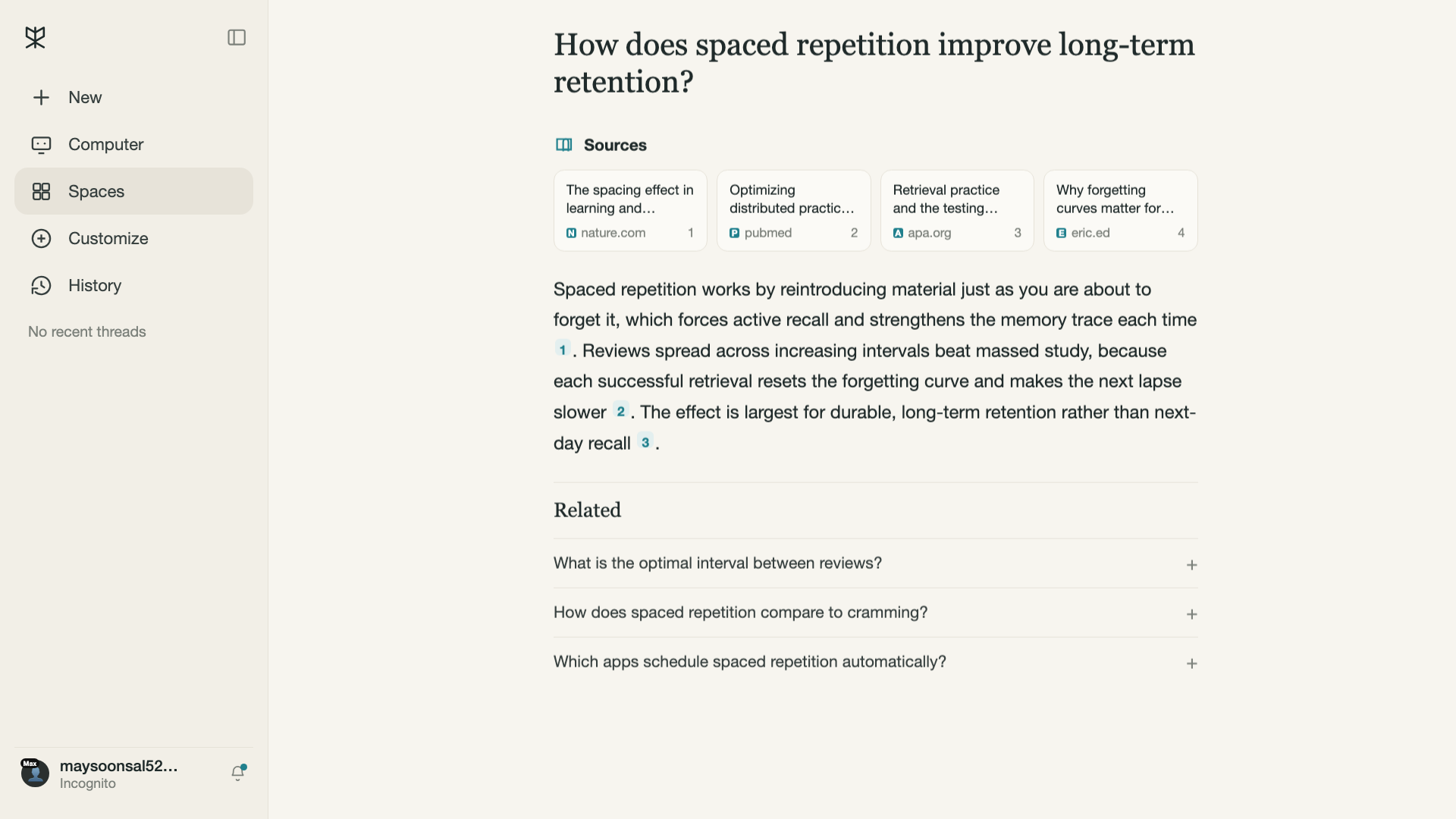
This is what makes Perplexity different. Every answer opens with a row of numbered source cards, then the answer itself with inline citations you can click to check. Related follow-up questions sit at the bottom.
Click any citation number to jump to the source. Verify anything important before you rely on it.
Create a Space
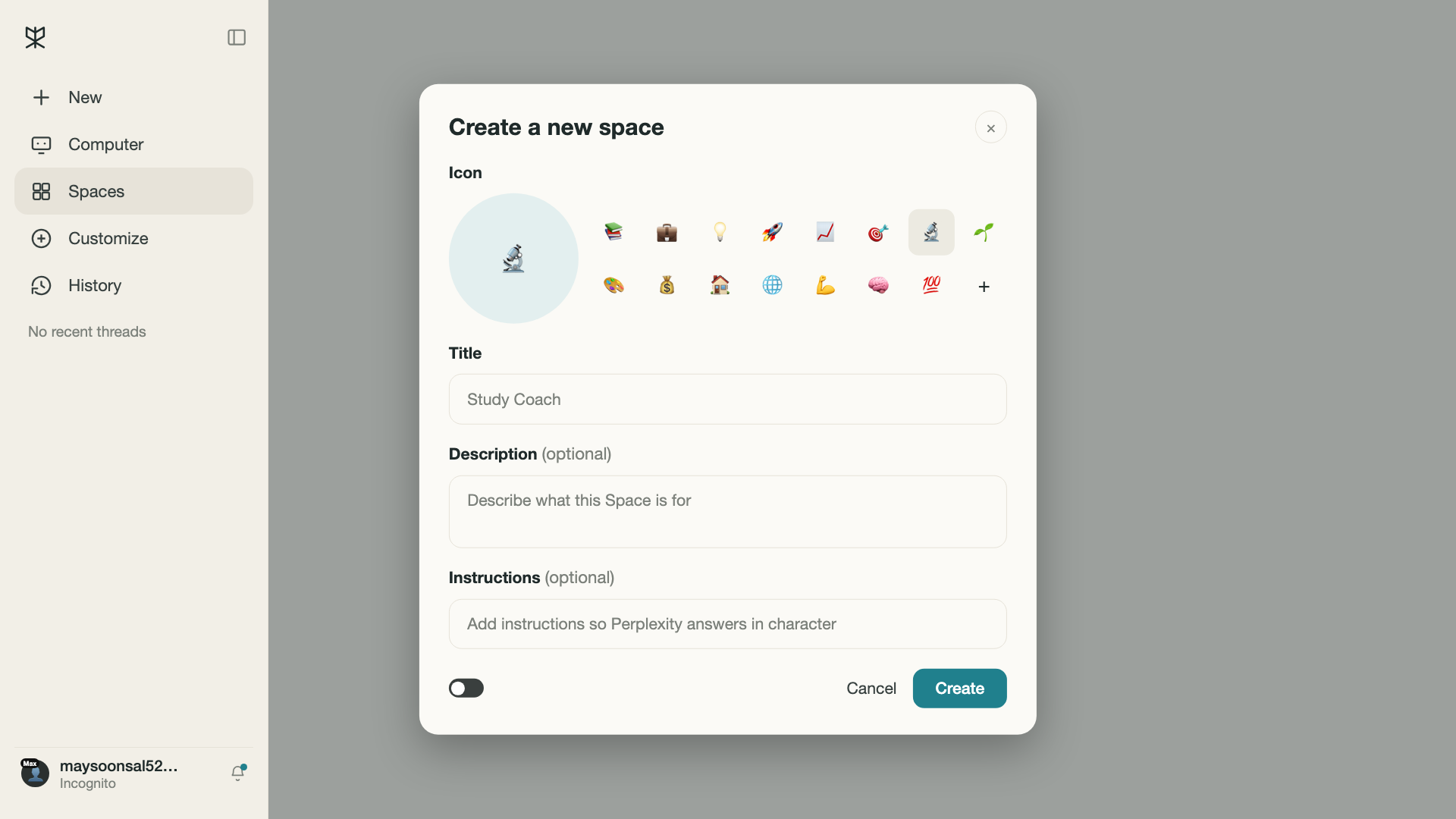
Spaces are Perplexity's version of projects. Each Space has its own instructions, uploaded files, and history, so Perplexity answers in the character you set every time. Our guides come with Space configs you can paste in.
Click Spaces in the sidebar, then Create a new space. Add a Title and Instructions so Perplexity stays in role.
Use a focused tool like Finance
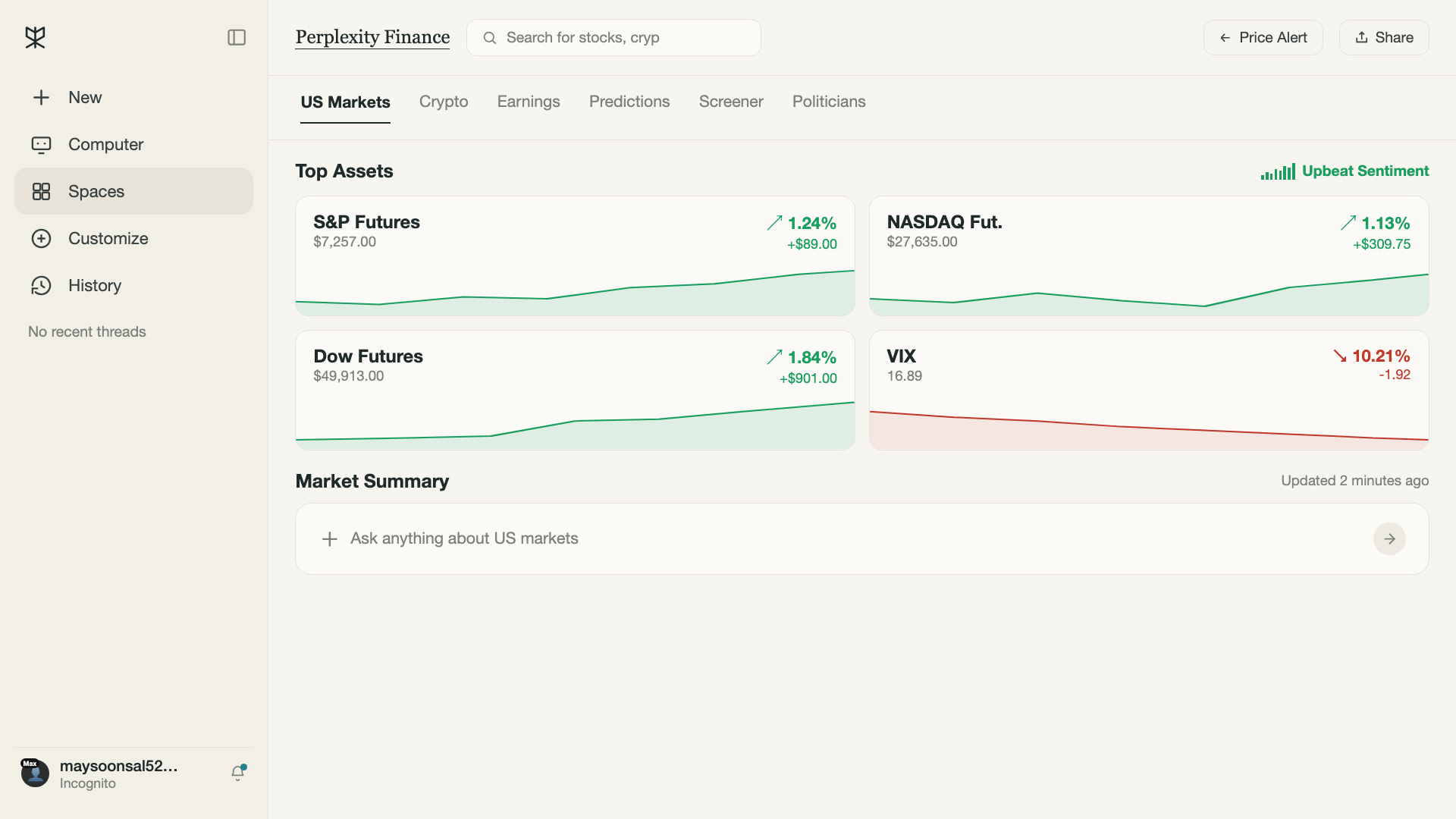
Beyond chat, Perplexity has purpose-built surfaces. Perplexity Finance shows live Top Assets with sparklines, market sentiment, and a Market Summary you can ask questions about, all cited the same way as a normal answer.
Open Finance from the focus picker or go straight to the dashboard. Ask the Market Summary box anything about the day's markets.
Go Deeper
Got the basics? These short lessons each take one Perplexity feature further.
Core Search
→The real multi-model picker and a real cited, tabulated answer — pick which model answers, then check every claim against a real Sources panel.
Computer
→A real 38-minute agentic task, start to finish: a visible plan, live progress, and an actual downloadable deliverable at the end.
Learn Step by Step
→A real taught answer, not a summary: a Core idea section, a worked example, a rendered formula, and a plain breakdown of every variable — still fully cited.
Frequently Asked Questions
Feeling confident? Told you this stuff was easy.
Now that Perplexity is set up, every research product you buy comes with Space configs and search strategies that work out of the box.