対象: vibe-coders
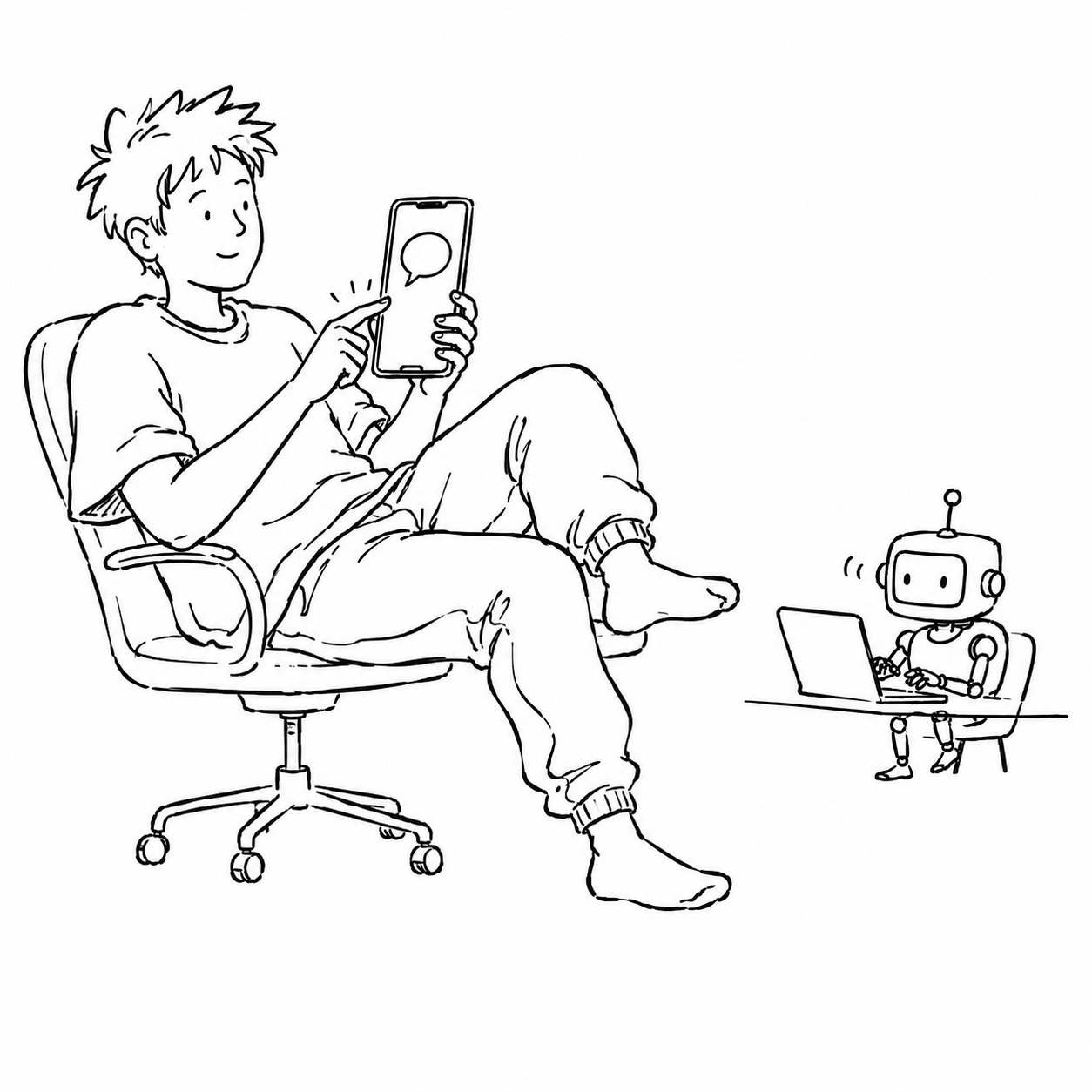
Fix the bug from your phone. The agent has its own computer.
もう二度と考えなくていい。
$9
対応ツール: Works with: Cursor · Slack. サブスクは別途必要。
ずっとお前のもの。ツールが変われば、Hubも更新される。ライセンスキーでお前のHubが開く。
ライセンスキーでアクセス。 返金ポリシー.
Pro required.
推奨ツール:このガイドのワークフロー向けにテスト・最適化済み。ツールのバージョンやサブスクリプションティアにより結果が異なる場合があります。
Start with Cursor · Cursor is the only tool that runs a cloud agent with its own dev environment straight from a Slack mention.
問題
A bug shows up, a typo gets flagged, a client emails at 6pm, and the answer is always the same: I have to be at my computer to get anything fixed.
So you close the laptop and carry the problem to dinner. The fix waits until tomorrow morning.
Every small change means pulling the repo, opening the editor, finding the file, and remembering how it all worked.
The work follows you home because the only place you can act on it is the desk.
含まれるもの
Setup guide
Connects Cursor, Slack, and your repo, with the one gotcha that breaks most setups.
Connect walkthrough
Click-by-click, plus the exact Slack permissions that matter.
@Cursor request templates
Six to eight copy-paste briefs for bug fixes, copy changes, new sections, and error hunts.
When-not-to-delegate checklist
Plain English, so you don't hand the agent something it shouldn't touch.
必要なもの
• A Cursor plan with cloud agents
• A Slack workspace and connected repo
• About 15 minutes for the one-time connect, then 30 seconds per request
AI tools you'll use
Best with: Cursor · Pro required
Use the tool you already pay for unless the guide says otherwise. Subscription not included.
よくある質問
 Helpful?