Pick a project, hand them a laptop, but always be watching.
Parent-and-kid project. Adult supervision required.
대상: kids
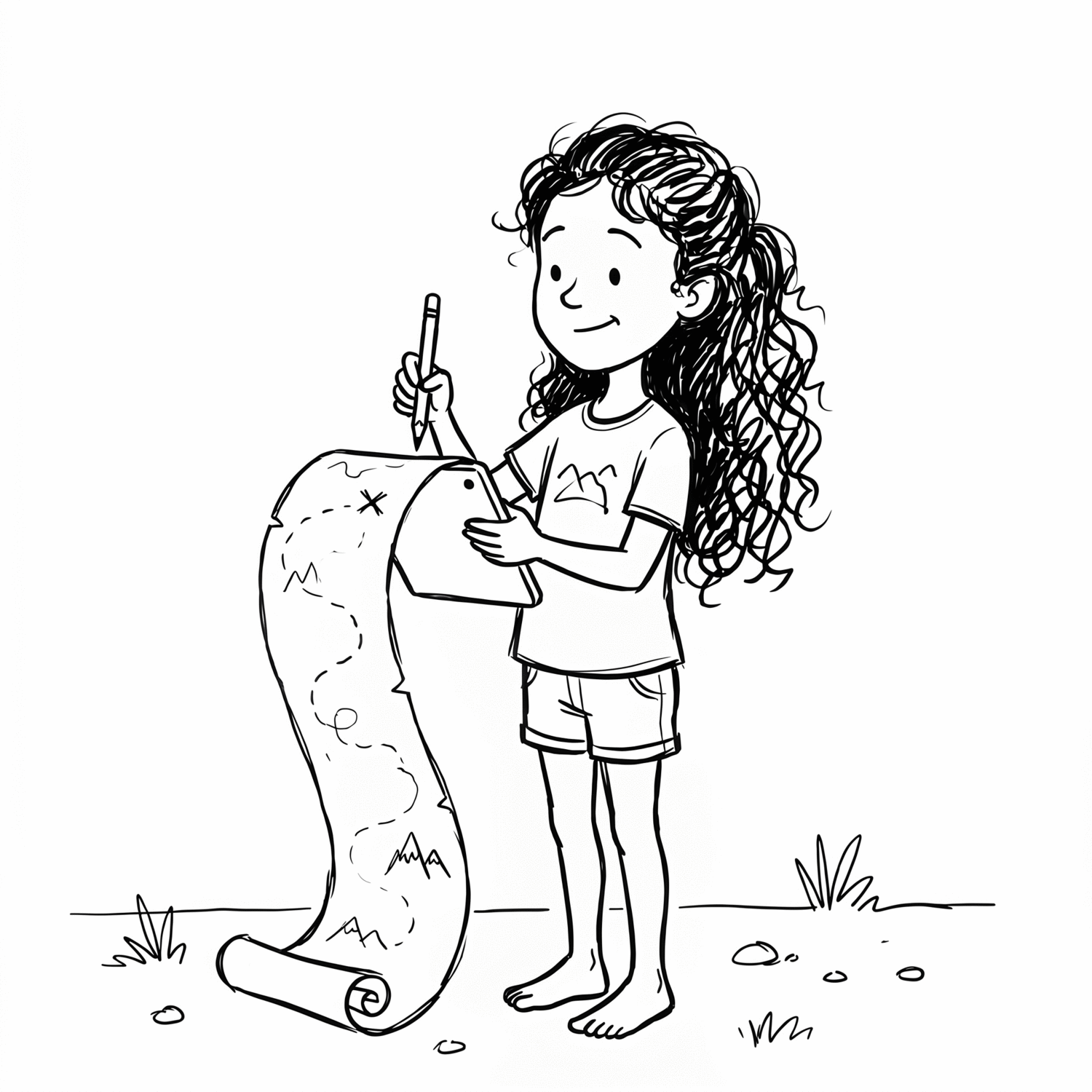
Write your animated short. Storyboard the whole thing.
다시는 생각할 필요 없어.
$19
호환 도구: Works with any AI: free tiers included. 구독은 별도.
Free tier works.
추천 도구: 이 가이드의 워크플로우에 맞게 테스트 및 최적화됨. 도구 버전과 구독 등급에 따라 결과가 달라질 수 있습니다.
Start with Claude · Claude writes shot-by-shot storyboard scripts with real direction notes, character positions, timing, dialogue, so you can draw directly from the script without guessing.
문제
Your kid wants to make an animated short. They open the app, draw two frames, and realize they've got 200 more to go.
Animation classes run $400+ a term. Most of them spend half the time on software and the other half on theory. The actual hard part, figuring out what each shot looks like, barely gets touched.
What actually works is your kid pitching the story, AI writing a shot-by-shot script with real direction, and your kid storyboarding straight from the script. The drawing happens. The story holds up. The animation has a chance.
계산해보자
Lazy Animator Storyboard: $19. Once.
Cheaper than any course. Works for every short your kid will ever try to make.
포함된 것
The full storyboard guide
Story, shot list, panel layout, direction notes
Shot reference
What kinds of shots make sense for a kid-built short, and which ones are traps
Storyboard template
Print-ready frames with notes underneath, the way real animators use them
From-board-to-app pointers
How to take the storyboard into the animation tool of your choice without losing the plan
Own it forever
Animation tools change fast. The guide updates. No rebuy.
필요한 것
• A kid age 9–11 who likes drawing
• Pencils, paper, or a sketch app
Part of Noura's Corner: AI creation guides for kids ages 6–11. Games, comics, songs, stories, businesses. Your kid makes it, not just consumes it.
시스템 받기
$19, 한 번 결제
- The full storyboard guide
- Shot reference
- Storyboard template
- From-board-to-app pointers
- Own it forever
호환 도구: Works with any AI: free tiers included. 별도 필요.
자주 묻는 질문
 Helpful?
덜 일해. 지금부터.
$19. 한 번. 내일 구독 해지해.