For vibe-coders
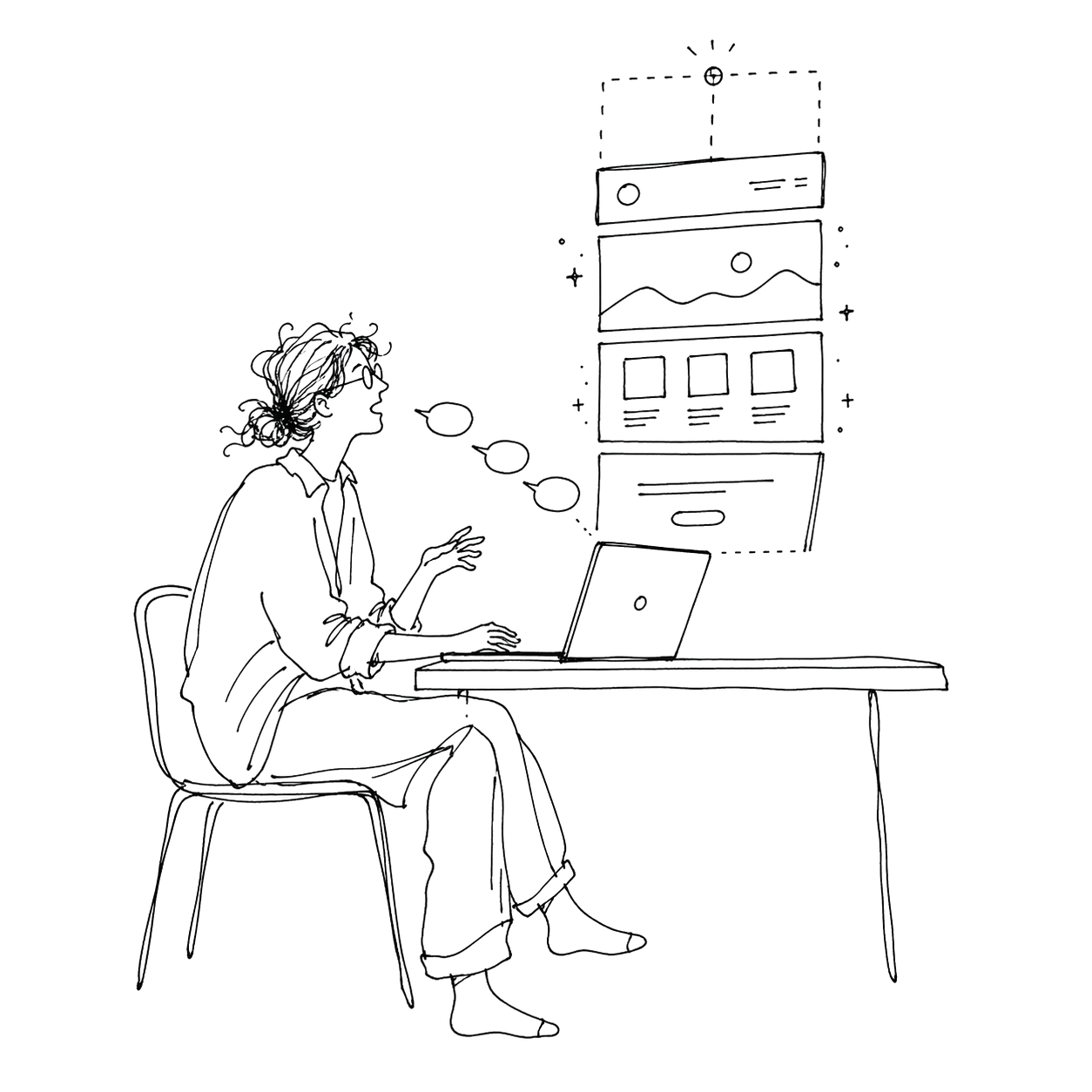
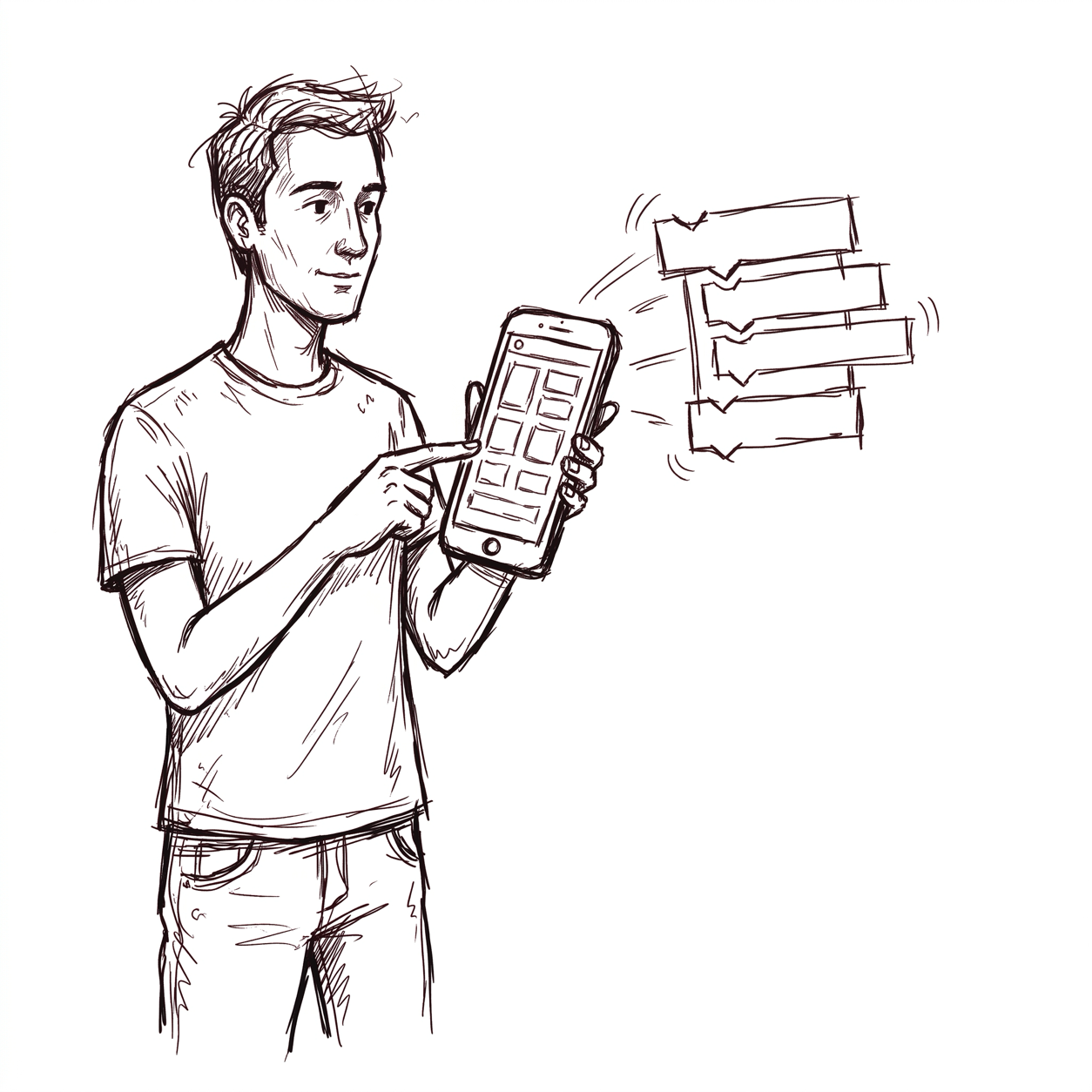
Stop describing the page in your head. Point at a screenshot, get code.
Never think about it again.
$9
Works with: Works with: v0 by Vercel · Google AI Studio · Figma. Subscription not included.
You own it forever. When the tools change, the hub updates. Your license key unlocks your hub.
License key access. Refund policy.
Free tier works.
Tested in the tool listed above. Workflows updated when tools change.
Start with v0 by Vercel · v0 by Vercel rebuilds a screenshot into real working code; Google AI Studio Build does the same path. Figma import is paid v0 only.
The problem
You can picture the exact page you want. You can't build it, and you can't describe it in words well enough for anyone to build it for you.
So it stays stuck in your head, or you pay a developer to interpret a vague brief and get back something that isn't what you saw.
Word prompts are a terrible way to describe a layout. "A clean hero with three cards" means a hundred different things.
You already have the picture: a competitor's page, a Canva mock, a sketch. There was no good way to turn that picture into real code.
What's included
Start-here guide
Working code on your screen in a few minutes.
Setup guide
Exact steps, including the one gotcha that trips everyone up.
Screenshot playbook
Which images work best and how to prompt without losing the layout.
Figma tokens guide
How to attach the link and why real design tokens beat a flat screenshot.
What you need
• A v0 by Vercel account (the free tier works)
• A screenshot or a Figma link
• About 15 minutes for your first rebuild
AI tools you'll use
Best with: v0 by Vercel · Free tier works
Also works with: Gemini
Free tier works for light use. Expect smaller context and shorter outputs.
Use the tool you already pay for unless the guide says otherwise. Subscription not included.
Questions
 Helpful?