Grok lives on X (Twitter) and has real-time access to what's happening. Here's how to set it up before using our Grok guides.
What you need
- • An X (Twitter) account with Grok access (free tier available, Premium or Premium+ for full features)
- • A browser or the X app.
Watch the walkthrough, then read the steps below.
Open Grok
Go to grok.com or open Grok from the sidebar on X (Twitter). If you have an account you're already signed in. Free users get limited access; SuperGrok raises the limits and unlocks the strongest modes.
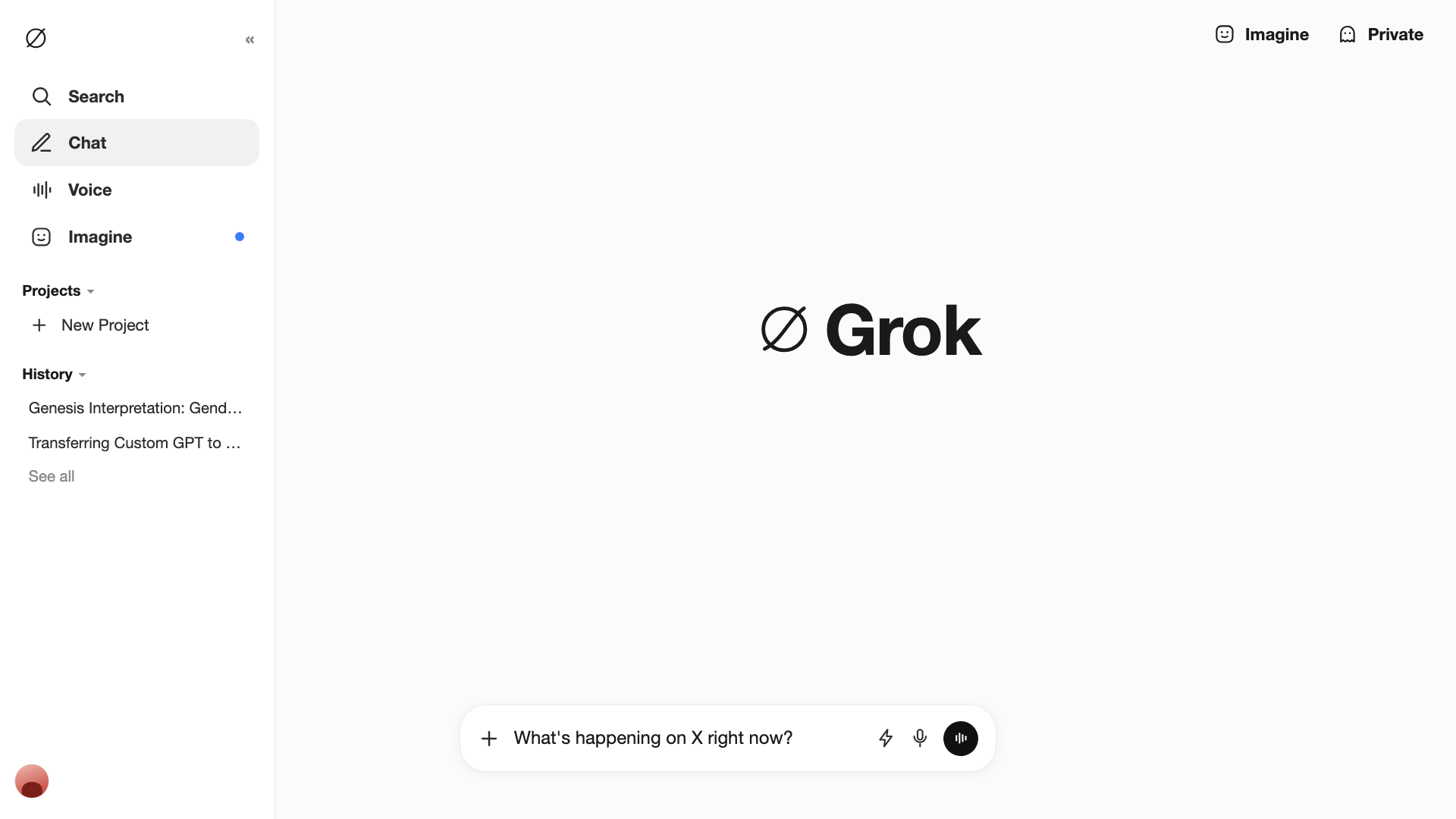
The composer says "Ask Grok." The lightning icon is DeepSearch, the mic is voice input, and the black orb is full voice mode.
Pick a mode
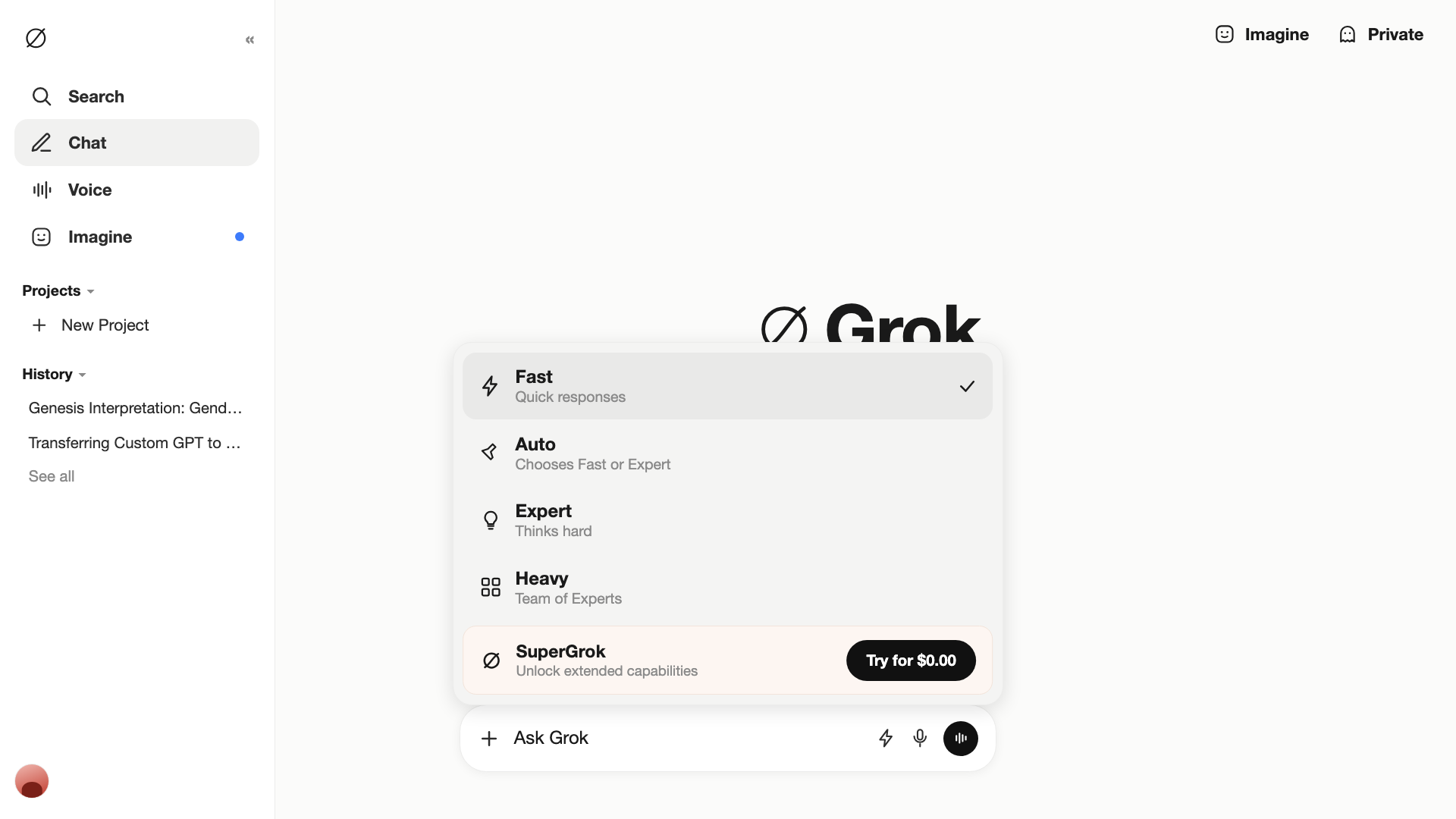
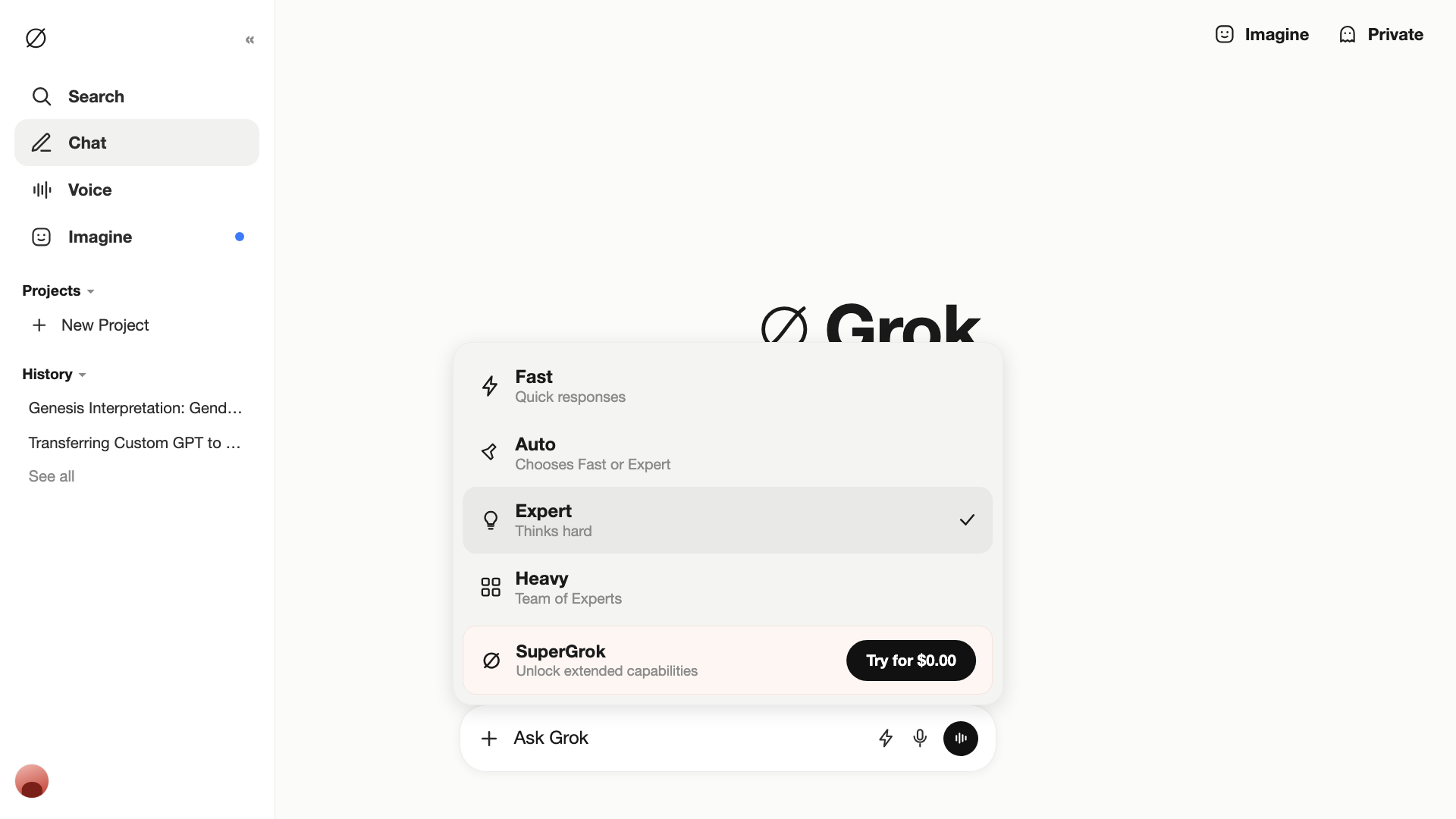
The mode picker above the composer has five options: Fast (free, the default), Build (turn a prompt into an app), Auto, Expert, and Heavy (deeper reasoning, a SuperGrok subscription).
Fast alone already does live X and web search — that part is not behind the paywall.
Use real-time search
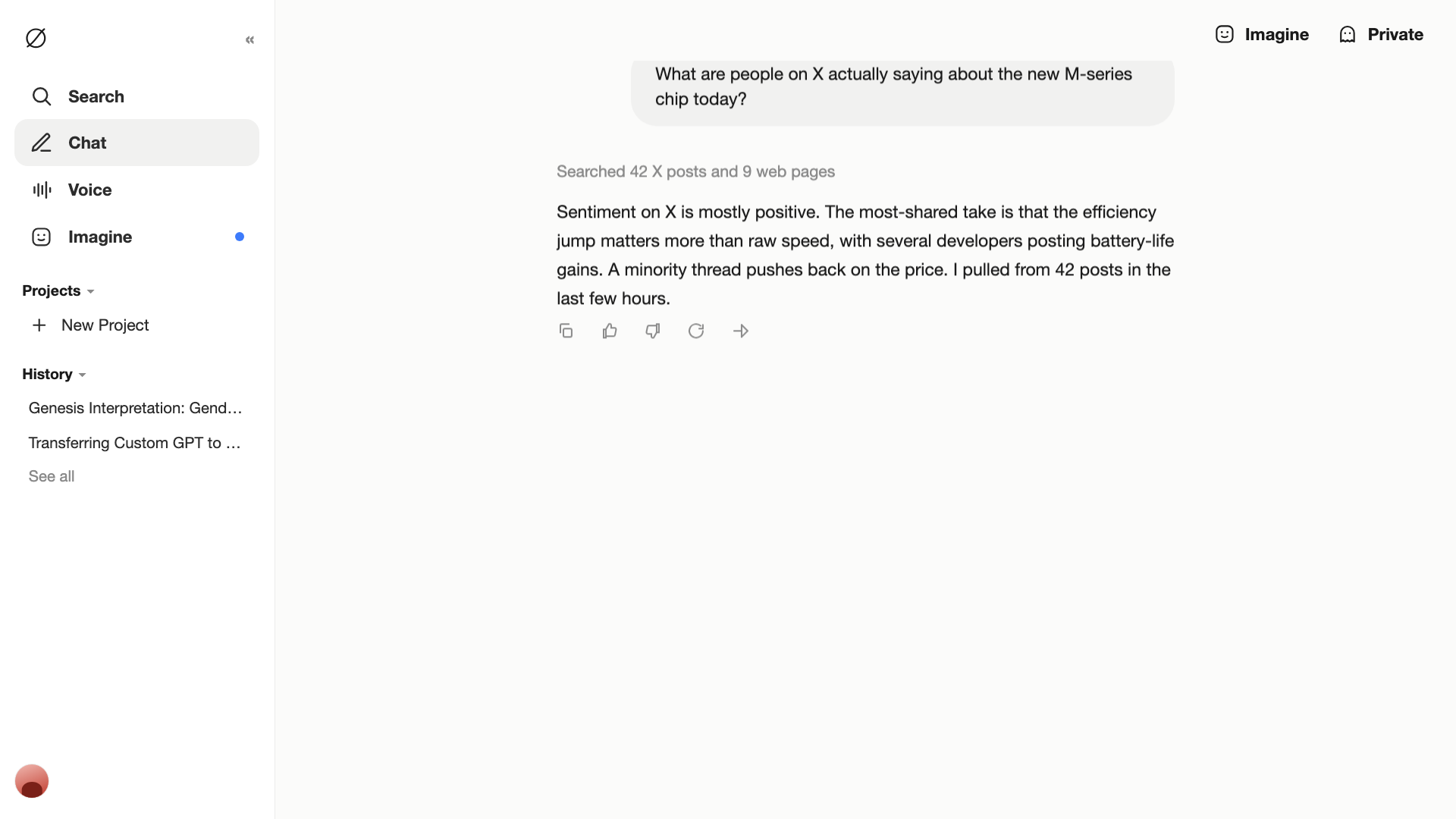
Grok's edge is a live feed into X plus the web, on by default in Fast mode. Ask about what's happening right now and it shows the actual search queries it ran and how many posts each one found, not just a claim that it searched.
Click "Worked for Ns" under an answer to expand the full trace of every query it ran.
Upload images and files
Grok can read images, screenshots, charts, and documents. Drag them into the chat or use the plus icon. It's particularly good at reading data visualizations and pulling numbers out of a screenshot.
Screenshot a chart and ask Grok to explain the trend. Attach a PDF and ask for the three things that matter.
Generate images in Imagine
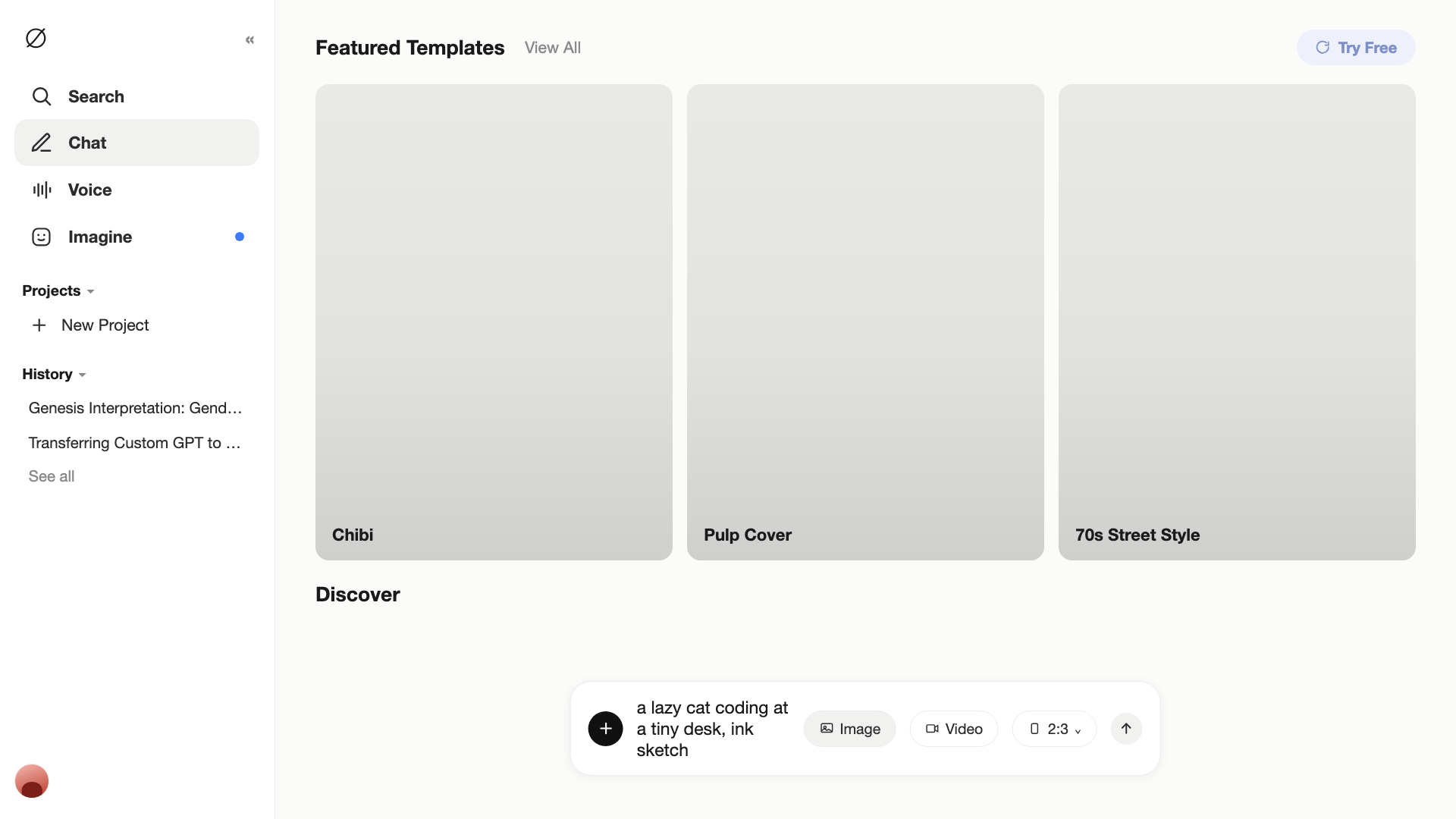
Open Imagine from the sidebar for image and video generation, plus real tools like Segmentation, Photo Edit, and Smart Resize. Type your own prompt in the "Type to imagine" box, then pick Image or Video, a Speed or Quality model, and an aspect ratio. Generating anything requires a SuperGrok plan — there is no free tier here.
Be specific: name the style, mood, and composition. Our Grok guides come with prompts that drop straight into the Imagine box.
Go Deeper
Got the basics? These short lessons each take one Grok feature further.
Frequently Asked Questions
Feeling confident? Told you this stuff was easy.
Now that Grok is set up, every product you buy comes with prompts and agent configs that drop right in. No extra setup.